7 Tips for Buying Kleine Desktop Computer Online?
Buying a Kleine Desktop Computer online can save desk space, money, and setup time. It can also create confusing choices. Product photos often hide important details, such as cooling vents, power adapters, and upgrade limits.
This guide presents seven practical tips for making a safer, more informed purchase. Check the processor model, memory, storage type, operating system, and available ports. A compact computer with 16GB of RAM may handle office work smoothly, while a cheaper model with 8GB could feel limited later. Look beyond the headline specifications. Small mistakes matter.
I have found that manufacturer documentation and independent testing provide more reliable information than short marketplace descriptions. Read verified reviews carefully, especially comments about fan noise, heat, Wi-Fi stability, and startup speed. A silent device in a quiet bedroom may sound different during a long video call. Also compare warranty coverage, return conditions, delivery dates, and seller reputation before paying. These details are not exciting, but they protect your budget.
Do not assume every tiny computer is suitable for gaming, video editing, or professional software. Performance depends on sustained cooling, not only peak processor speed. Measure your workspace before ordering. Check the computer’s exact dimensions, mounting options, and cable clearance behind your monitor. Even experienced shoppers overlook this.
The best choice is not always the newest model. It is the machine that matches your daily tasks, available space, and realistic expectations. Recheck the specifications before checkout. That final pause can prevent an expensive disappointment.
Define Your Computing Needs and Space Constraints
7 Tips for Buying Kleine Desktop Computer Online
Define Your Computing Needs and Space Constraints
Before clicking Buy, describe your real workload in one sentence. A small desktop for email, documents, and streaming needs less power than one for editing or gaming. Write down the programs you use daily. This prevents expensive overbuying.
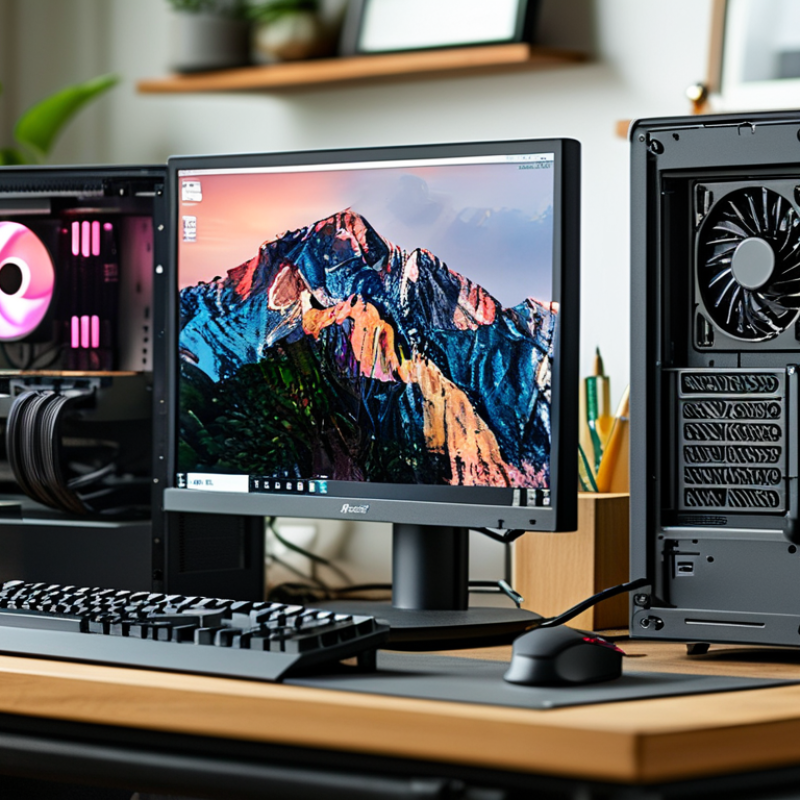
Measure your desk carefully. Record width, height, depth, and available cable space. Leave several centimeters around the case for airflow. A compact computer may fit beside a monitor, yet its power adapter can consume extra room. Check the product’s full dimensions, not only its advertised case size. Small cases can hide awkward ports.
Gartner reported 241.8 million personal computers shipped worldwide in 2023. That figure represents many different users, not one standard configuration. For office work, 8GB of memory may function, but 16GB offers more breathing room. Choose solid-state storage for quieter starts and faster file access. Heavy creative software may require a stronger processor, dedicated graphics, and better cooling. Online specification tables often simplify these differences.
I once ignored rear-port placement and needed a hub immediately. An annoying lesson. Review photos from every angle. Confirm wireless connectivity, display outputs, upgrade options, and operating-system compatibility. The 2024 Global E-waste Monitor recorded 62 million tonnes of electronic waste in 2022. A repairable, upgradeable computer may serve longer than the smallest available model.
Compare Processor, Memory, Storage, and Graphics Specifications
Buying a small desktop computer online requires more than checking its lowest price. Start with the processor. Compare core count, generation, clock speed, and sustained power limits. A newer six-core chip may outperform an older eight-core model, especially in compact cases. Independent benchmark data from PassMark can reveal this difference more clearly than a seller’s slogan. I once trusted a high core count and ignored thermal limits. That was a mistake.
Memory affects multitasking. Choose at least 16GB for office work, browsing, and light editing. Heavy development or creative software may need 32GB. Check whether the memory is replaceable. Some compact computers use soldered modules. That limits future upgrades. The 2024 Steam Hardware and Software Survey showed 16GB remained a common gaming memory configuration, but its results represent participating users, not every buyer.
Storage should be compared by type, capacity, and interface. A 512GB NVMe solid-state drive usually feels faster than a SATA drive during startup and file loading. However, available capacity matters more than headline speed. Windows, applications, and media can consume 512GB quickly. For graphics, identify the actual GPU model and video memory. Integrated graphics suit documents and streaming. Dedicated graphics are better for 3D work. Jon Peddie Research’s market reports track continuing demand for stronger graphics hardware, but benchmark scores still vary by power limit. Check reviews with measured temperatures. Tiny cases can throttle. Often.
7 Tips for Buying Kleine Desktop Computer Online
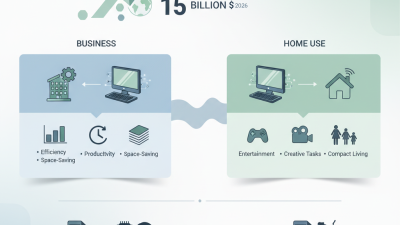
Compare processor cores, memory, storage, and graphics specifications before buying. The chart shows practical specification ranges for light office work, everyday multitasking, and demanding creative workloads.
Check Size, Ports, Connectivity, and Upgrade Options
Buying a Kleine Desktop Computer Online? Check Size, Ports, Connectivity, and Upgrade Options
A compact desktop should fit your actual workspace, not just its product photo. Measure the shelf, monitor stand, and cable space before ordering. Leave several centimeters for airflow around the case. Measure twice. A computer that fits tightly may run hotter and become difficult to clean. I once underestimated the power adapter, and it occupied more desk space than the computer itself.
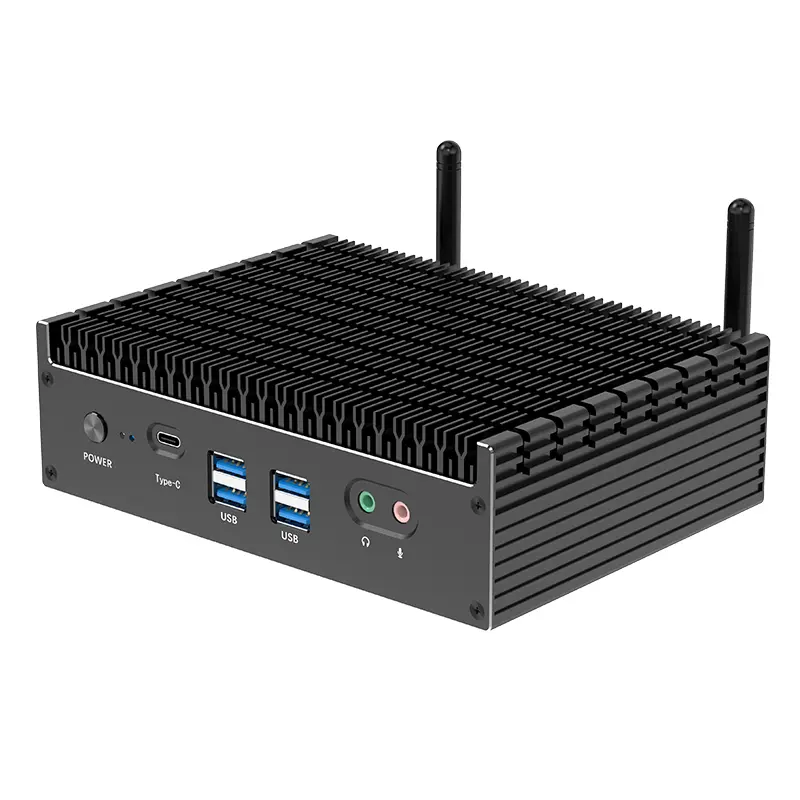
Inspect every port carefully in the technical specifications. For daily work, look for enough USB ports, a fast display connection, audio access, and a wired network port if stability matters. Do not assume that a small computer includes a memory-card reader or newer USB standard. Ports matter. Photos can hide important details, especially when the front and rear panels are not shown clearly. Contact the seller when the specifications conflict.
Connectivity also deserves practical testing. Check wireless standards, Bluetooth support, and compatibility with your router, keyboard, printer, and displays. If you use two monitors, confirm the computer supports both simultaneously. Review upgrade options before paying. Can you replace the storage drive or increase memory? Is there an accessible panel, or does opening it require special tools? Online reviews can reveal fan noise, heat, and difficult maintenance. Still, reviews vary by user setup. Treat them as evidence, not proof, and compare several sources before deciding.
Review Pricing, Delivery Details, and Customer Feedback
7 Tips for Buying a Kleine Desktop Computer Online
Price is only the starting point when choosing a small desktop computer online. Compare at least three listings with the same processor, memory, storage, and operating system. A cheaper unit may exclude an adapter, extra memory, or necessary cables. Check the final checkout price, including tax, delivery fees, and optional service charges. Watch for unusual discounts. They may indicate limited stock or older hardware.
Read delivery details as carefully as the specifications. Confirm the dispatch location, estimated arrival window, tracking availability, and return deadline. A delivery estimate of three to five days can mean business days, not calendar days. Check the packaging policy too, especially if the computer includes fragile ports or accessories. Delays happen. Leave some flexibility if the computer is needed for work or study. My own comparisons sometimes focused too heavily on price and ignored delivery timing.
Customer feedback can reveal details that product pages avoid. Look for repeated comments about fan noise, heat, setup difficulty, Wi-Fi stability, and damaged packaging. Give more weight to recent, detailed reviews with photographs. A five-star rating alone proves very little. Read the lower ratings for patterns, not isolated complaints. Also check whether reviewers describe the same configuration you plan to buy. Feedback can be imperfect, but consistent observations deserve attention. Keep screenshots of the listing, promised specifications, and delivery terms before paying.

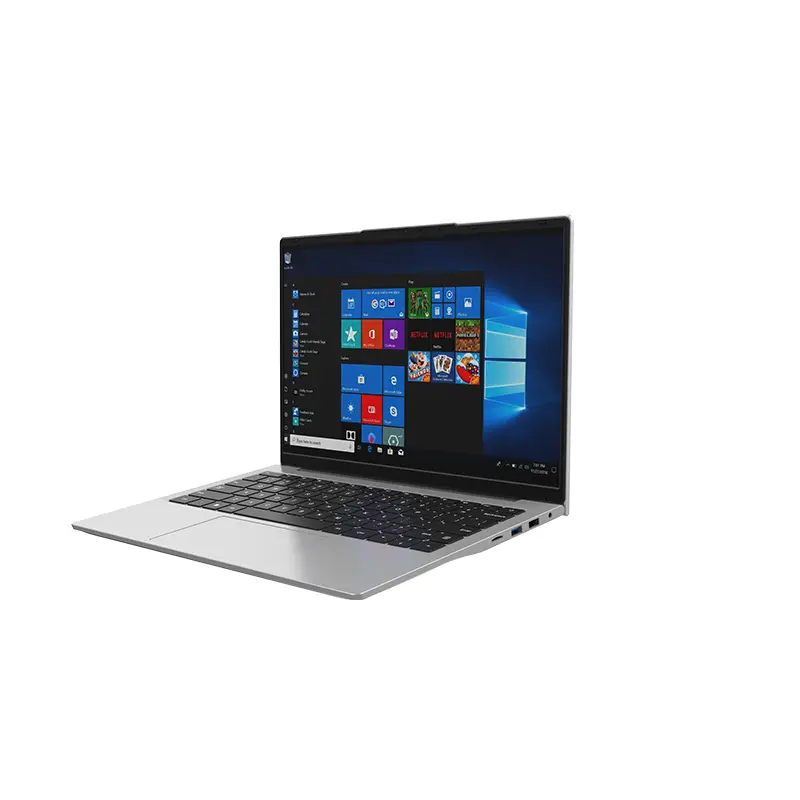 14 Inch Office Notebook
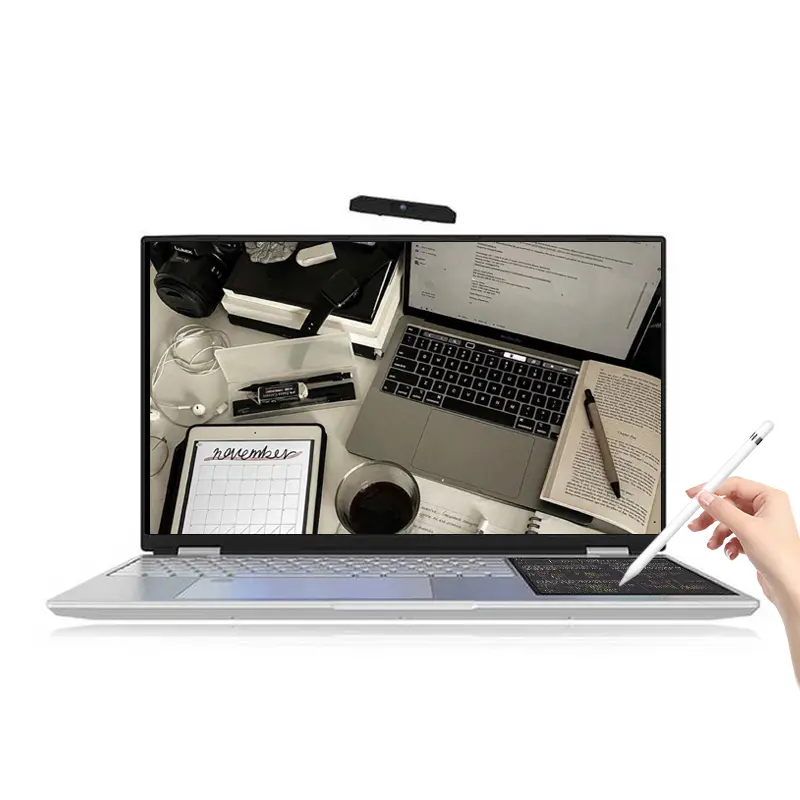 Dual Screen Laptop
 Fingerprint Business Notebook
 Big Screen Laptop
 HD Gaming Laptop
 14.1 Inch Student laptops
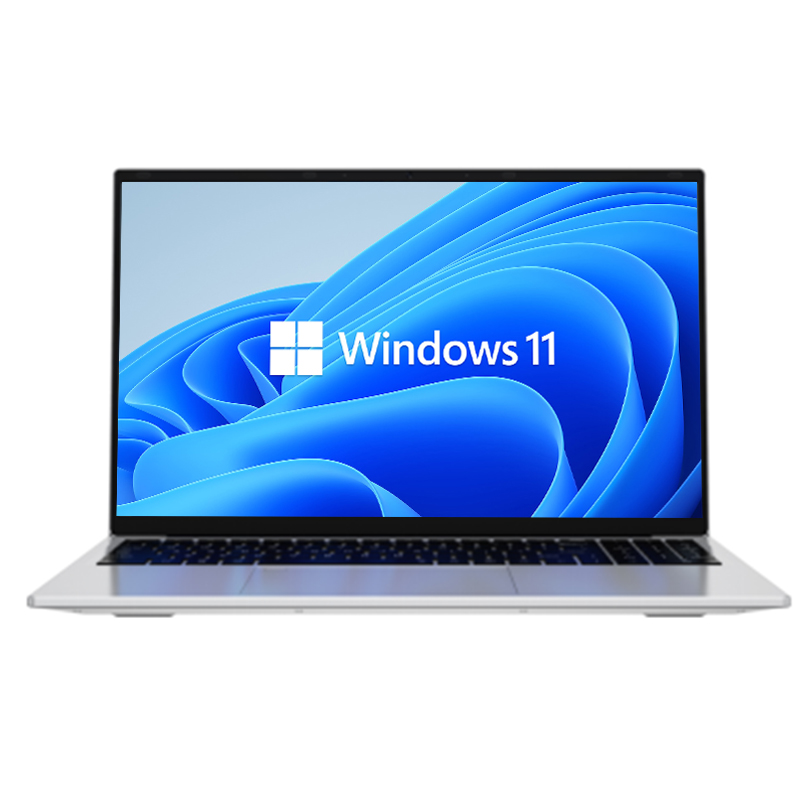 16.1 Inch Office Laptops
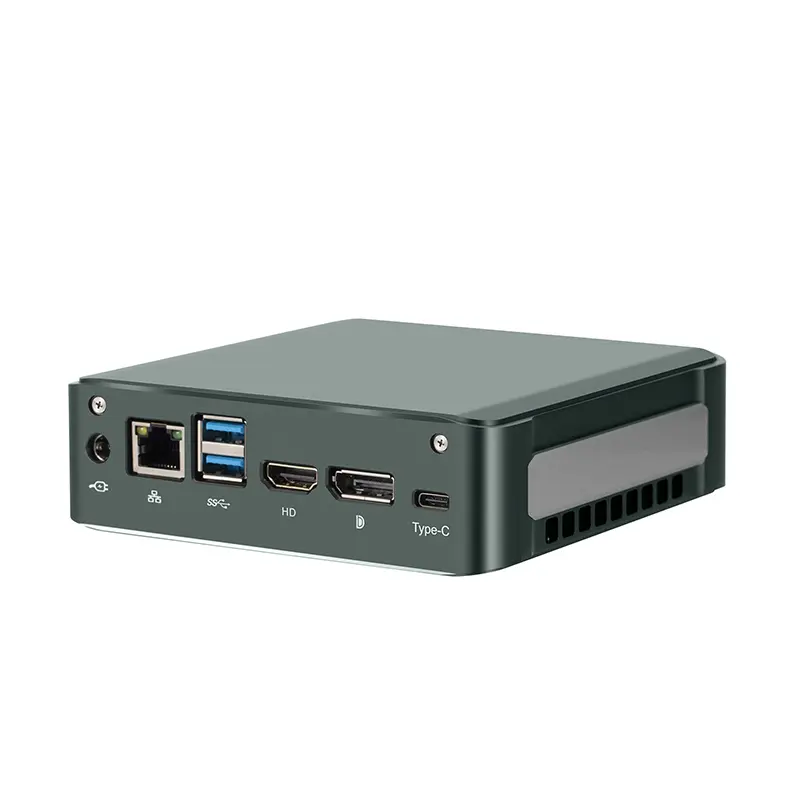 Home Mini Host
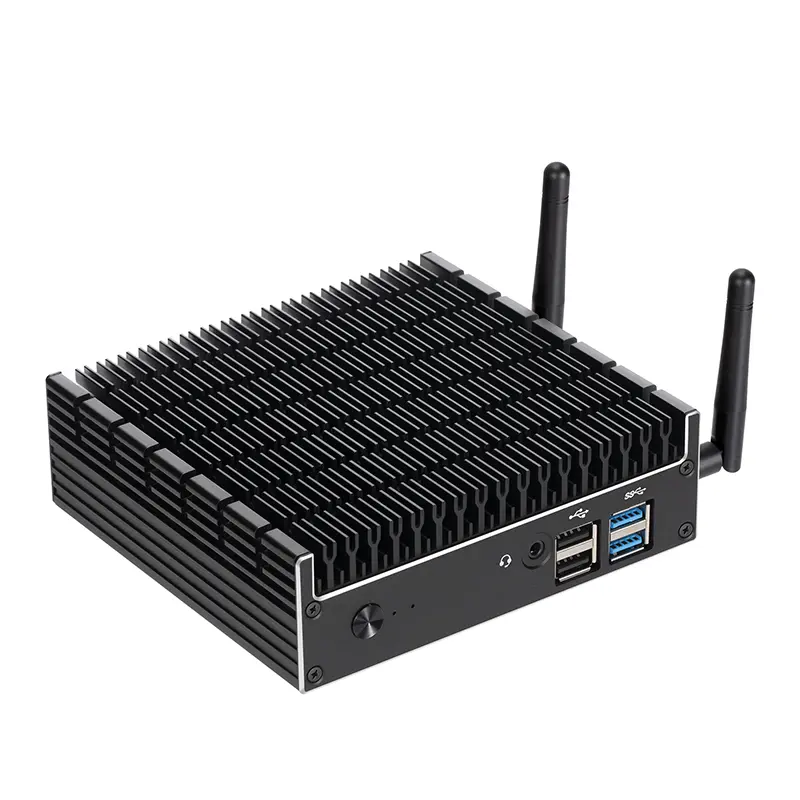 Industrial Micro PC
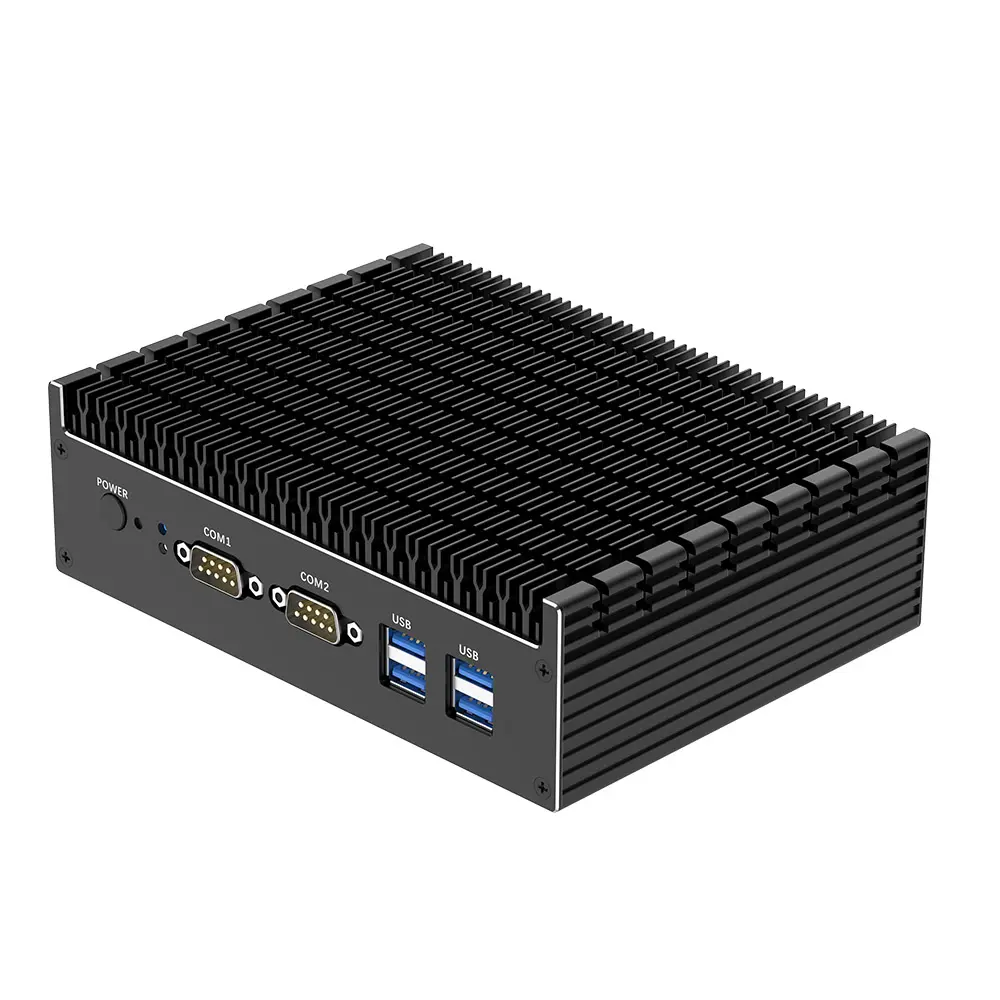 Fanless Industrial Mini PC
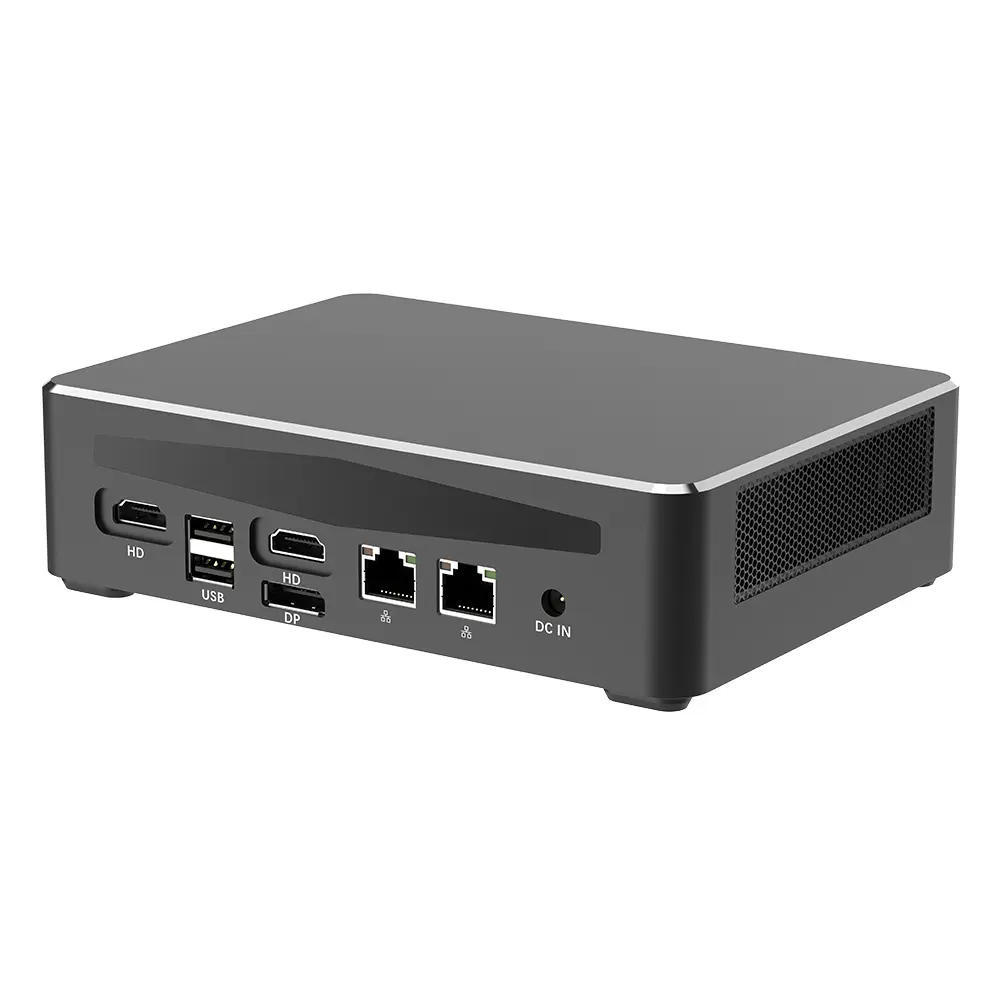 Commercial Mini PC
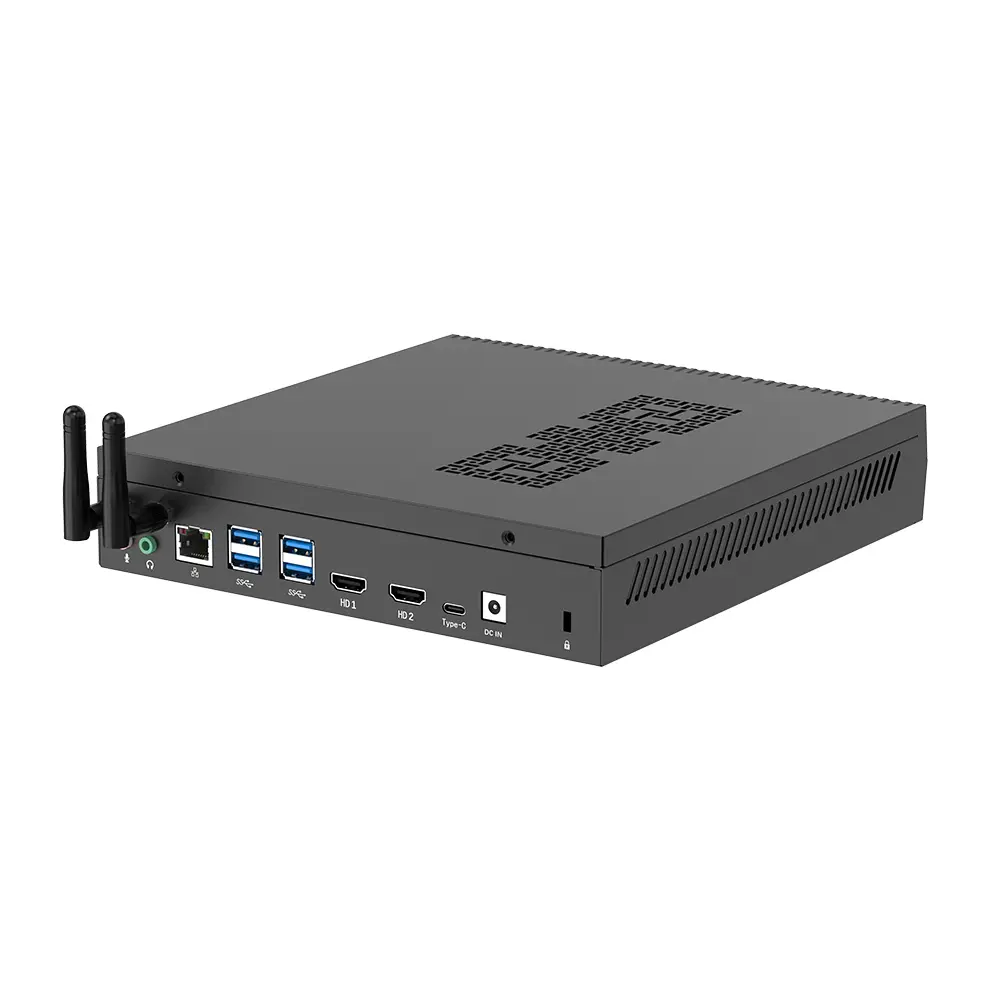 RTX3050TI Game Mini PC
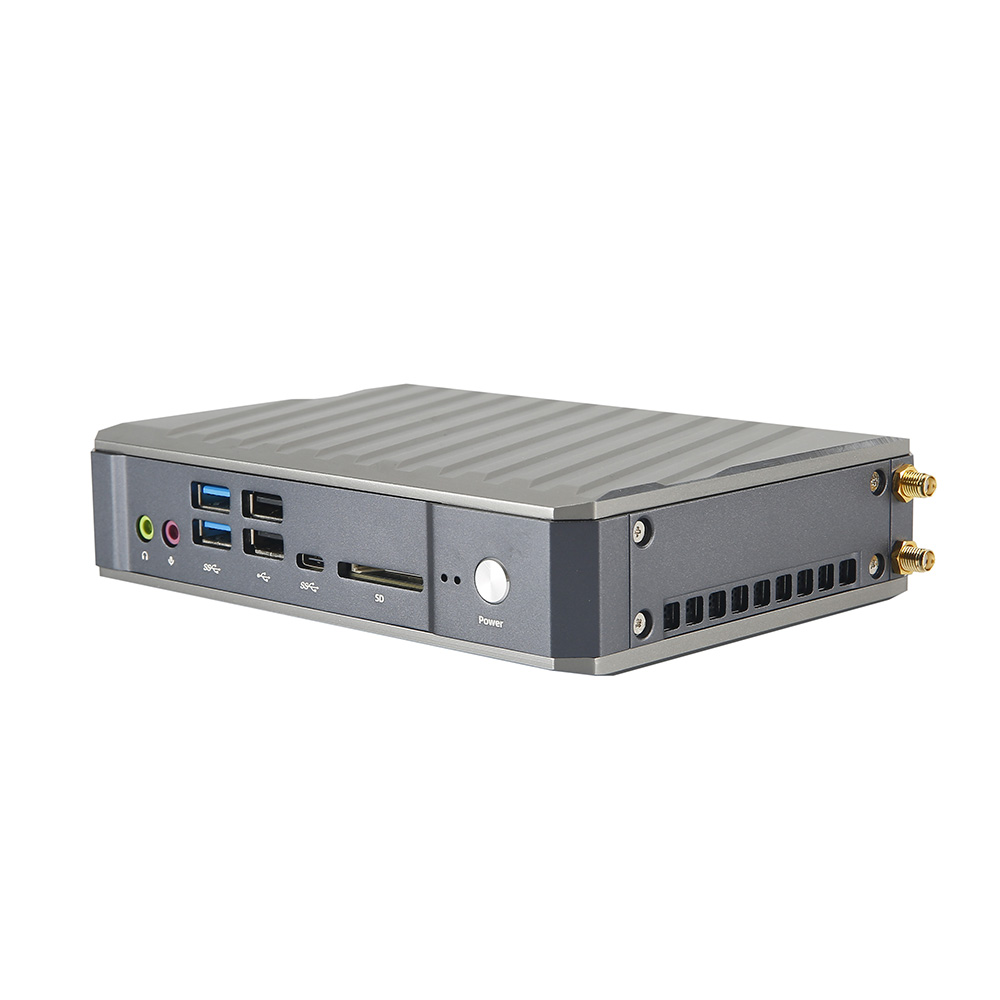 Micro Mini PC
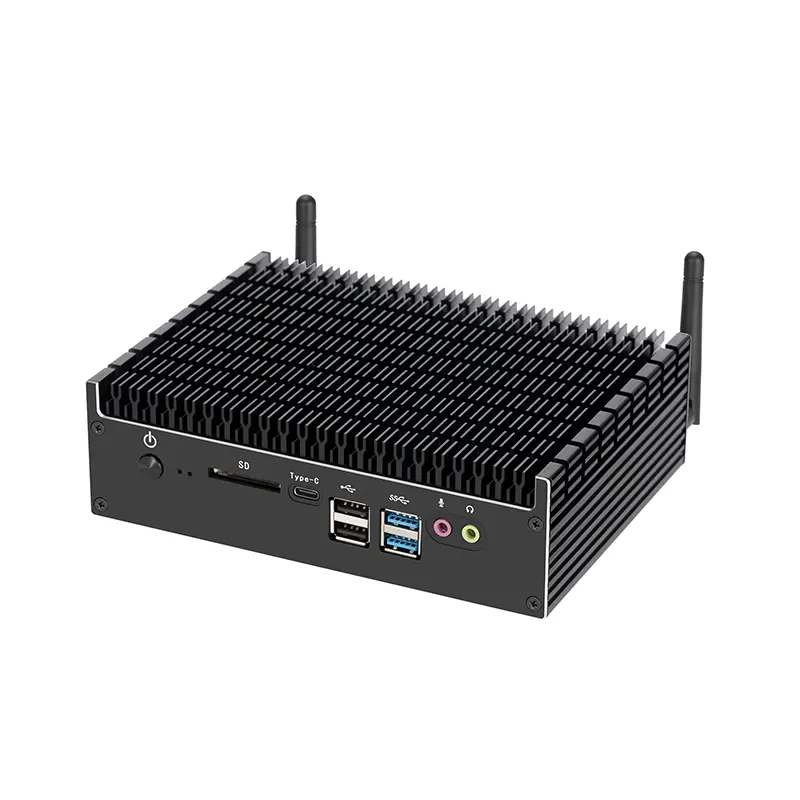 Fanless Mini PC
 High-end Mini PC
 More
More Micro ATX Computer Motherboard