One-stop service of R&D, production and sales for 10 years

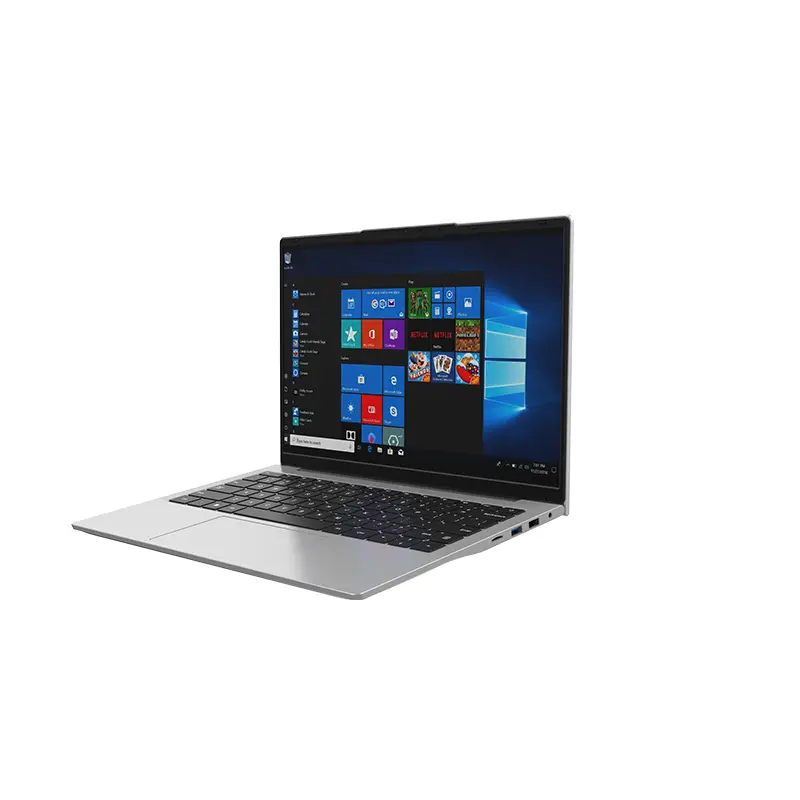 14 Inch Office Notebook
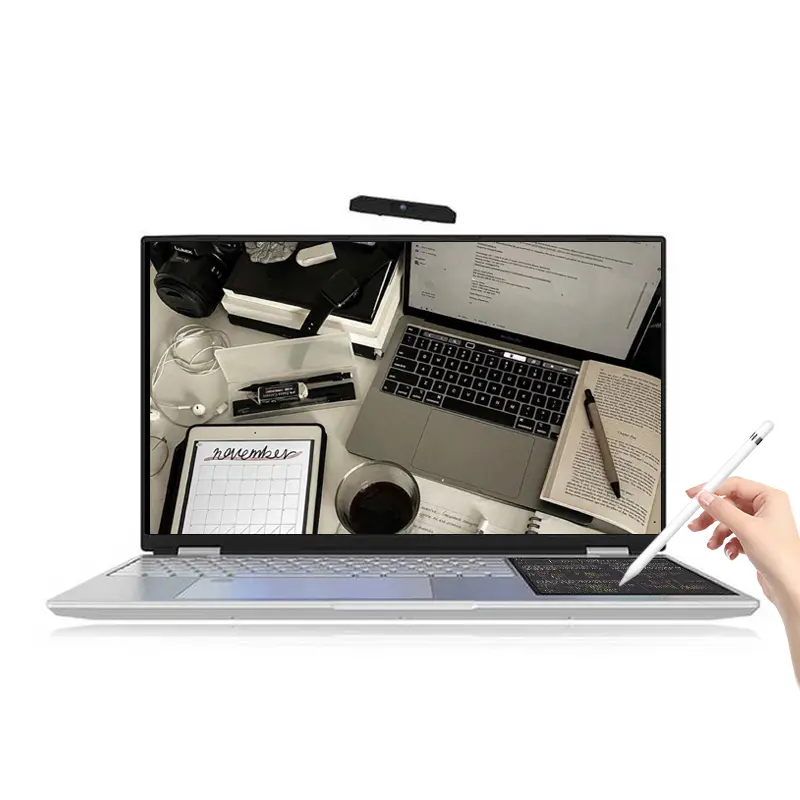 Dual Screen Laptop
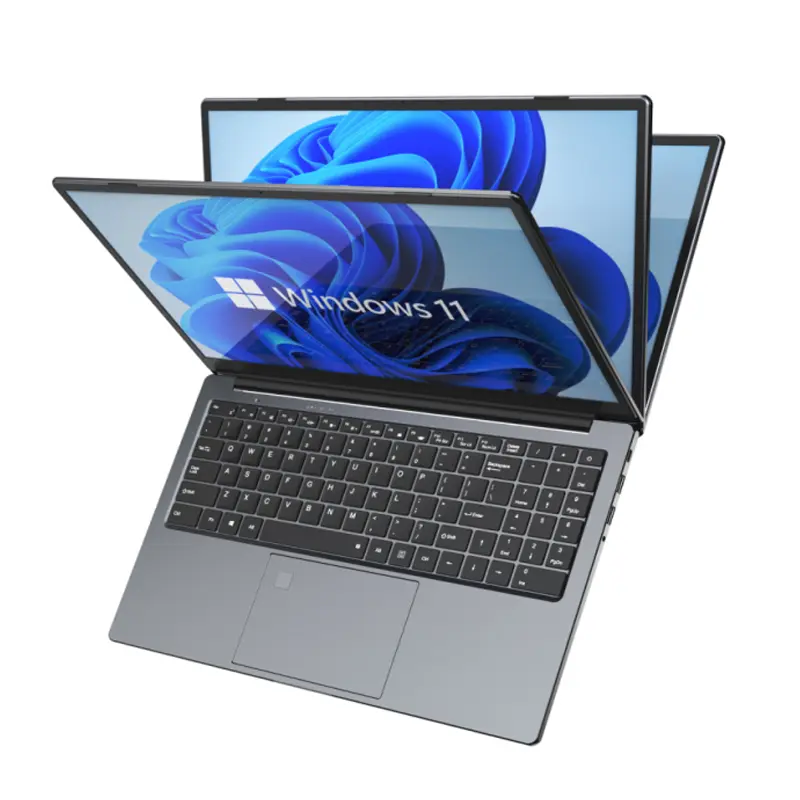 Fingerprint Business Notebook
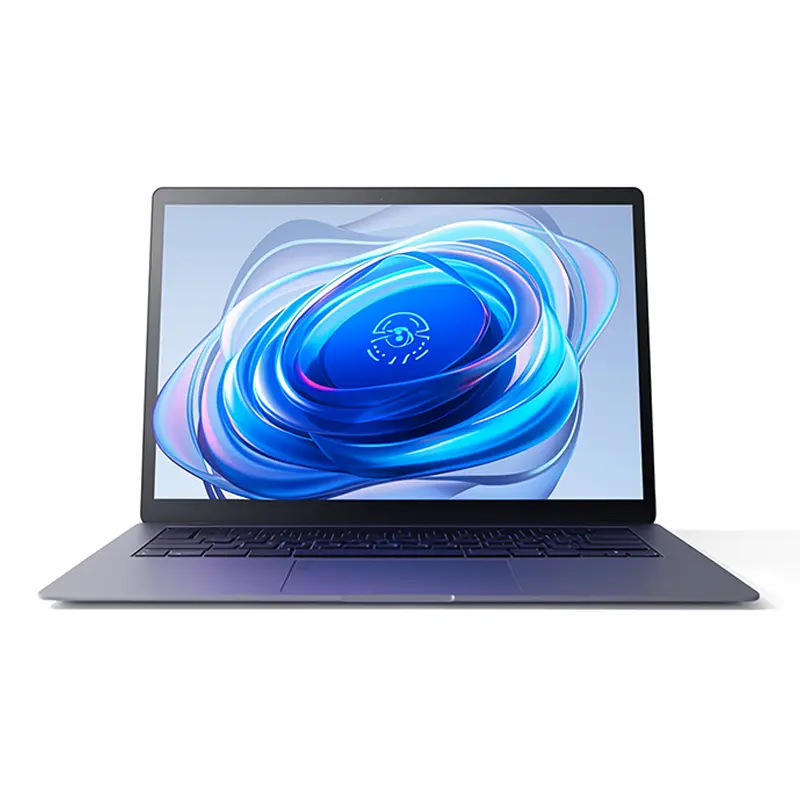 Big Screen Laptop
 HD Gaming Laptop
 14.1 Inch Student laptops
 16.1 Inch Office Laptops
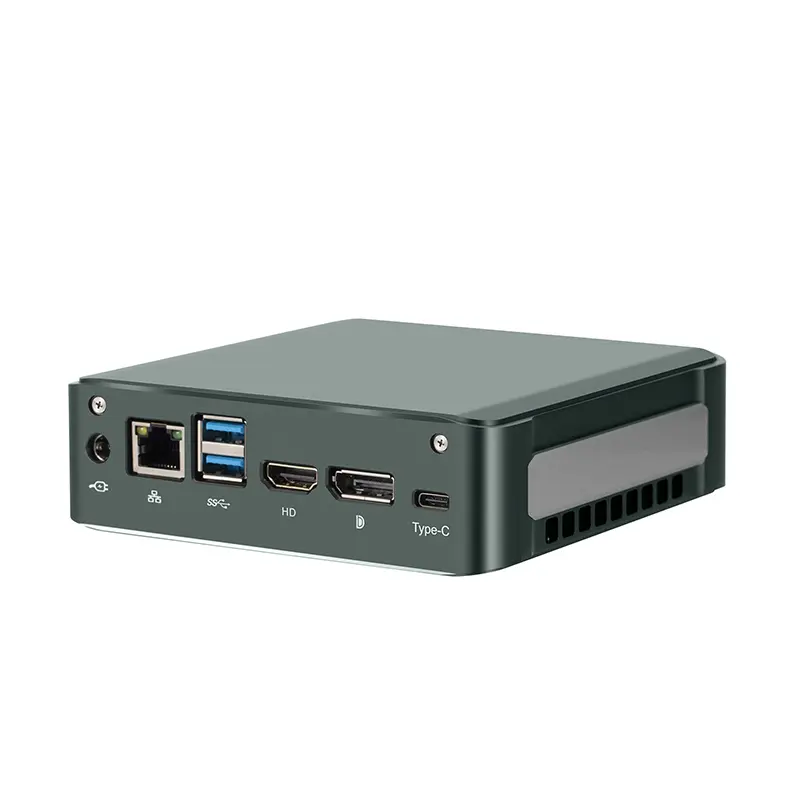 Home Mini Host
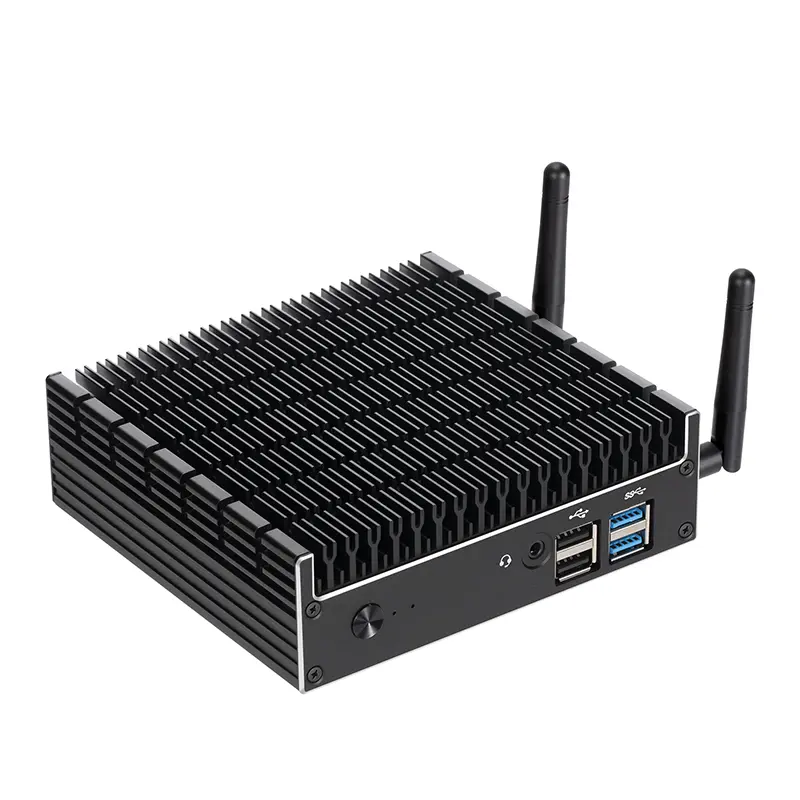 Industrial Micro PC
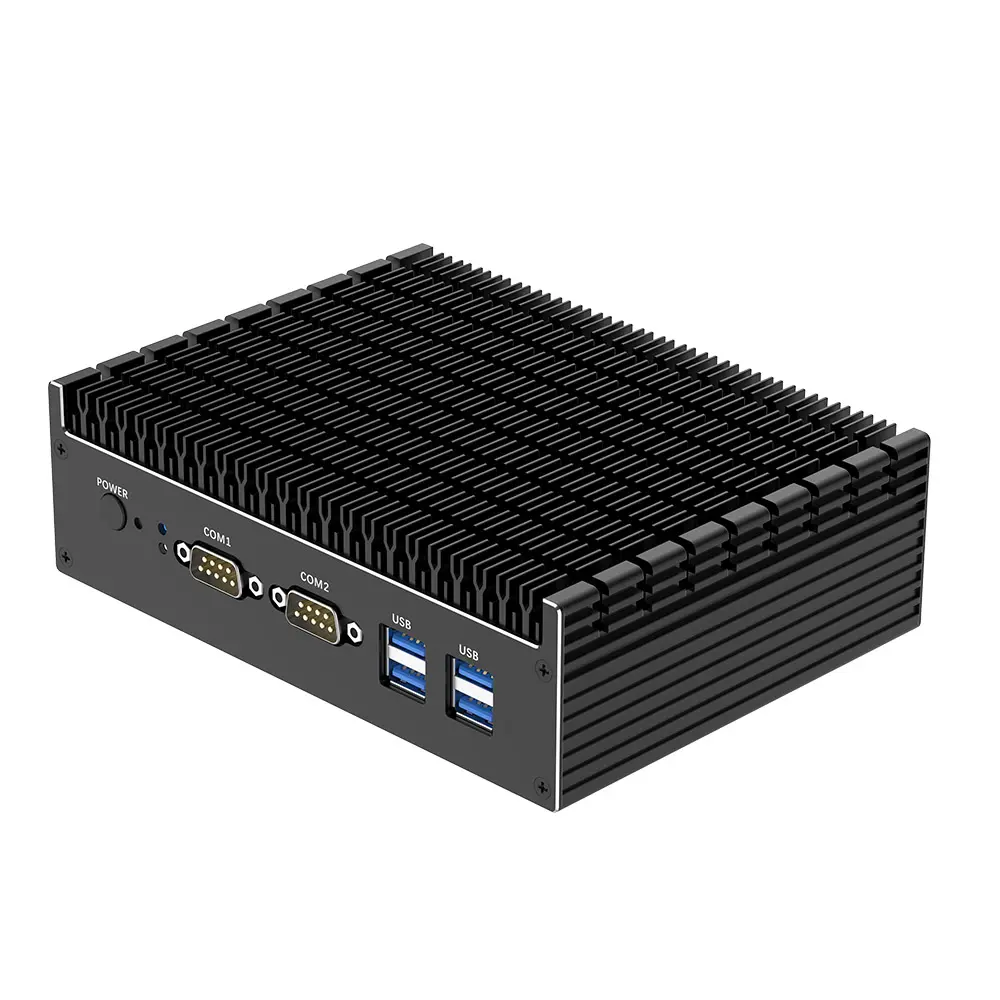 Fanless Industrial Mini PC
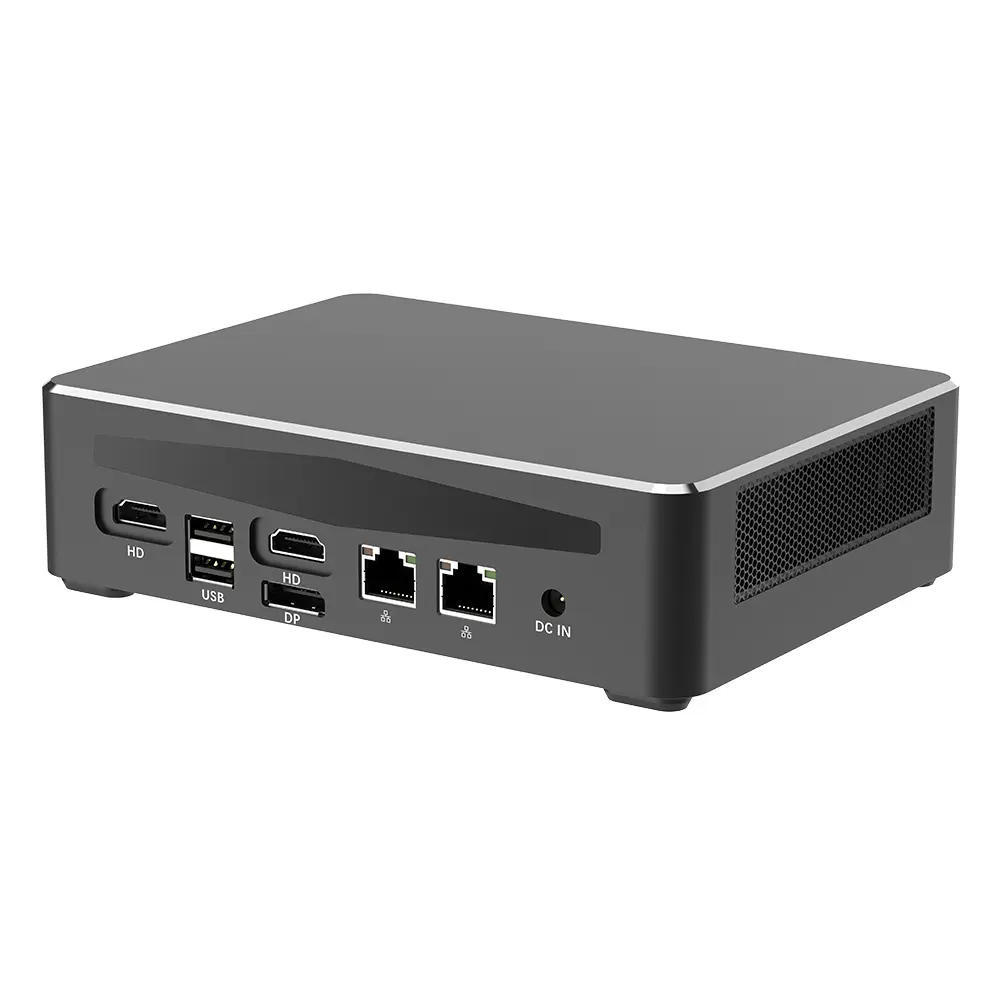 Commercial Mini PC
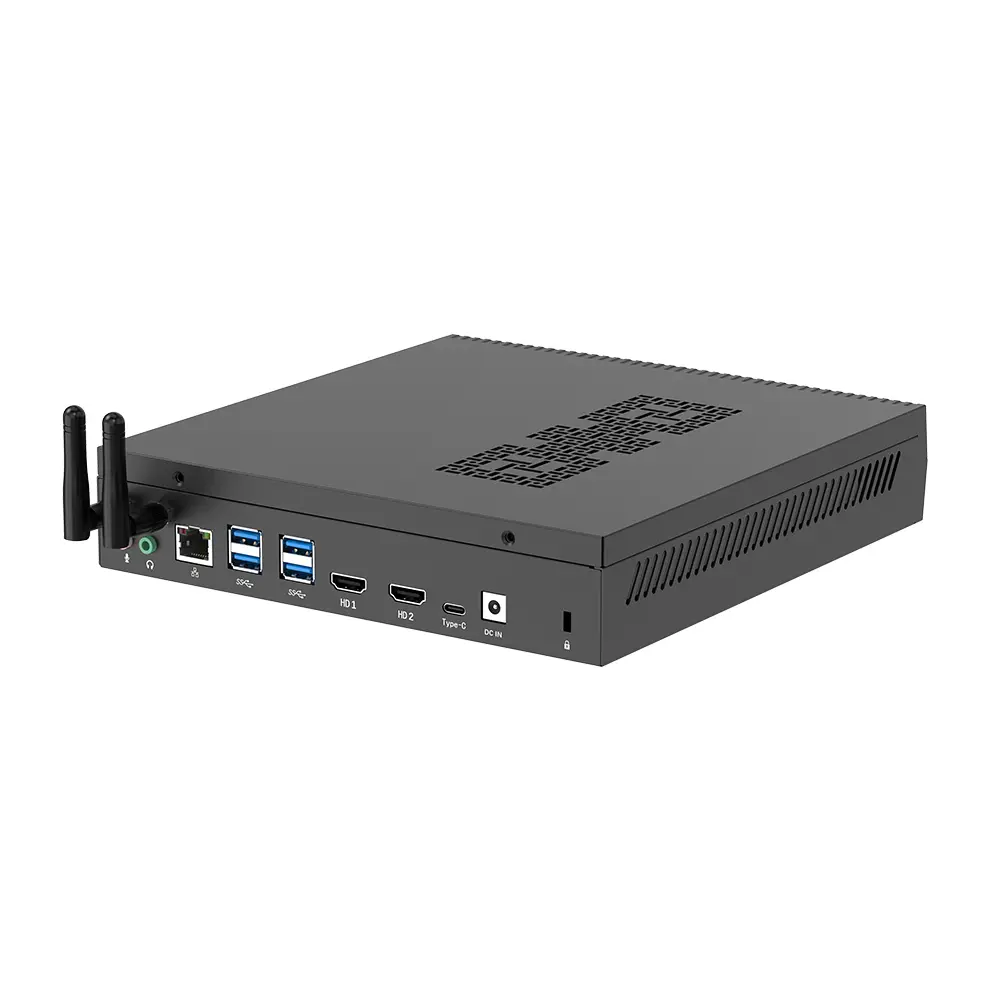 RTX3050TI Game Mini PC
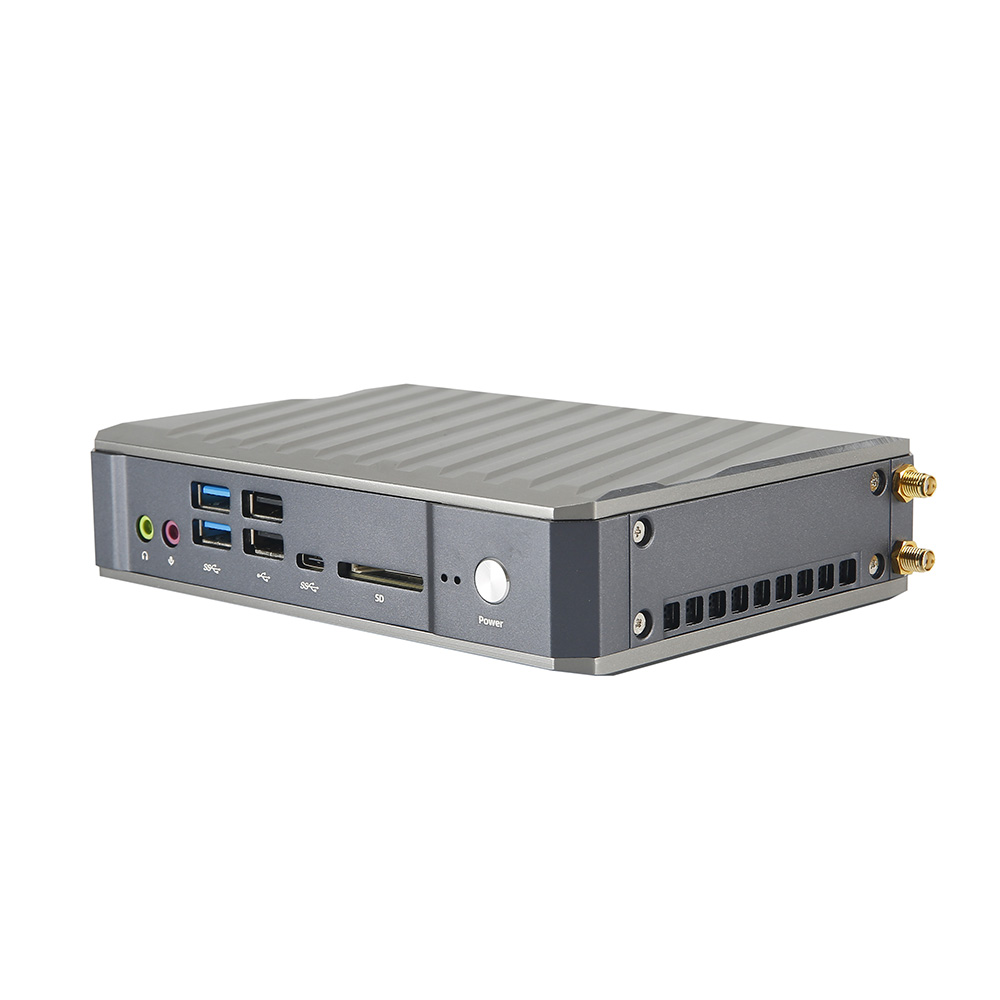 Micro Mini PC
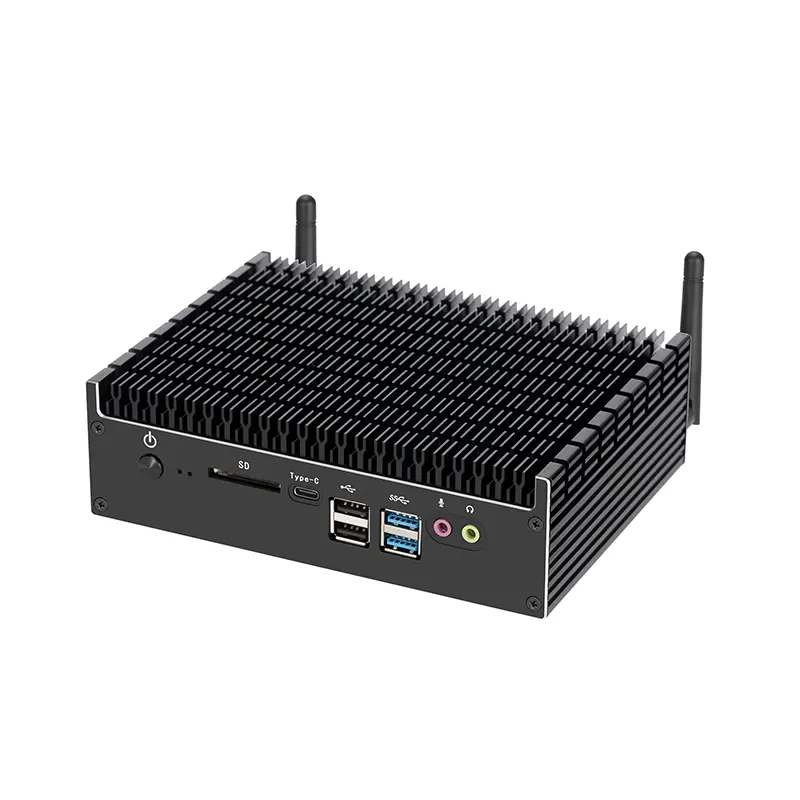 Fanless Mini PC
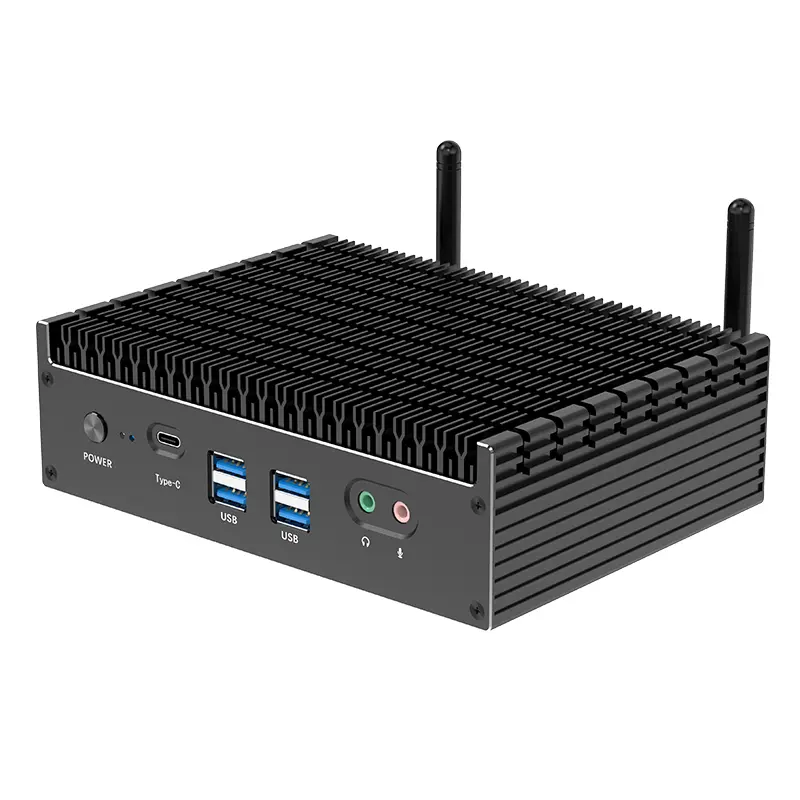 High-end Mini PC
 More
More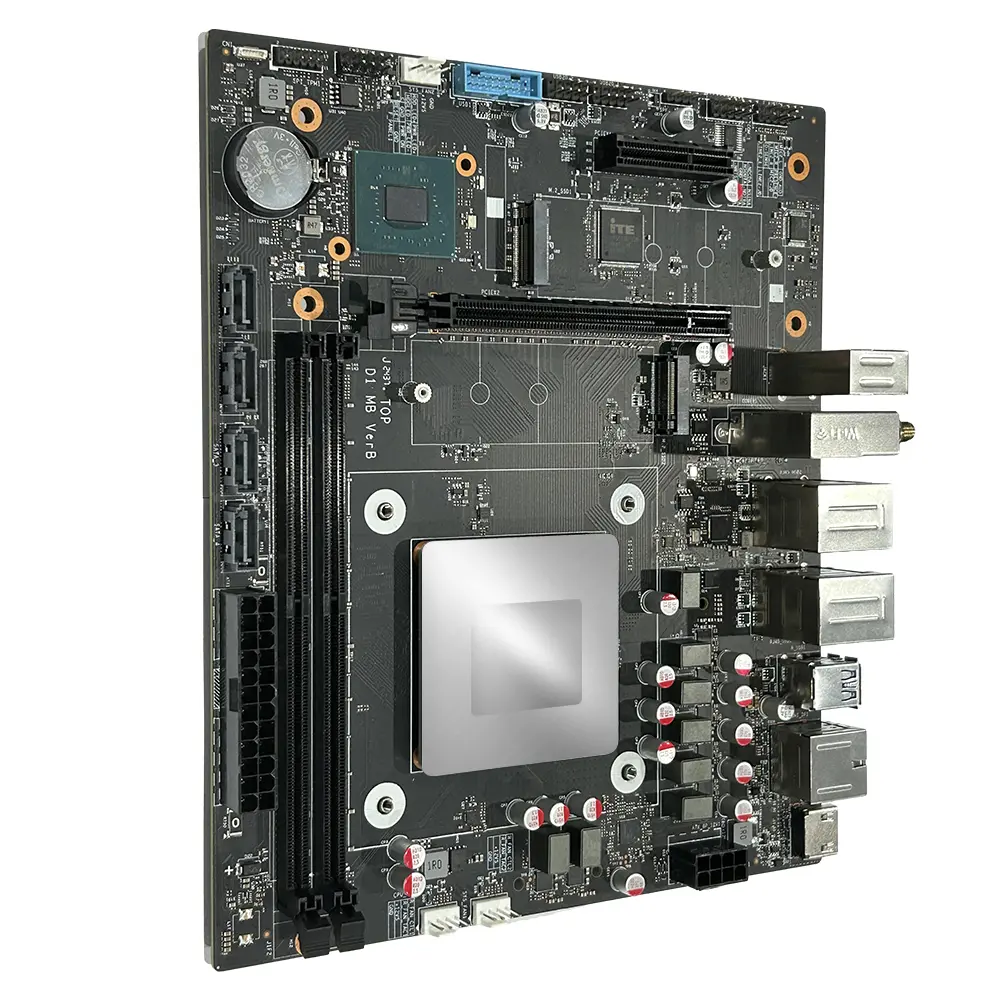 Micro ATX Computer Motherboard
Leave Your Message
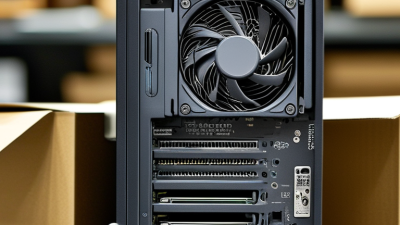
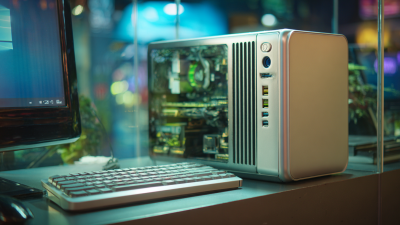
Choosing the best Kleine Desktop Computer in 2026 requires more than comparing prices and processor names. A compact case may look attractive beside a monitor, yet its internal design determines daily comfort. Cooling, upgrade access, port selection, and power efficiency can matter more than a small performance advantage.
This guide examines current models through practical use, not showroom claims alone. A reliable Kleine Desktop Computer should start quickly, remain quiet during video calls, and handle office software without hesitation. For creative work, gaming, or local artificial intelligence tools, processor performance and memory capacity deserve closer attention. At least 16GB of RAM is sensible for many users, while faster storage improves application loading and file transfers.
Real-world testing also reveals details that specifications often hide. Some machines become warm after an hour of sustained work. Others include fast wireless connections but limited USB ports. That difference is important when a webcam, external drive, keyboard, and printer share one desk. Manufacturer warranties, independent reviews, repair options, and long-term software support also help establish trust.
There is no perfect choice.
Budget limits remain decisive. A cheaper model may serve basic tasks well, but it can become restrictive after several years. Some recommendations may change as new processors, operating systems, and energy standards appear. Therefore, this guide weighs measurable performance against personal habits, workspace size, and future needs. The goal is not to promote one brand, but to help readers make a careful, evidence-based decision with fewer unpleasant surprises.
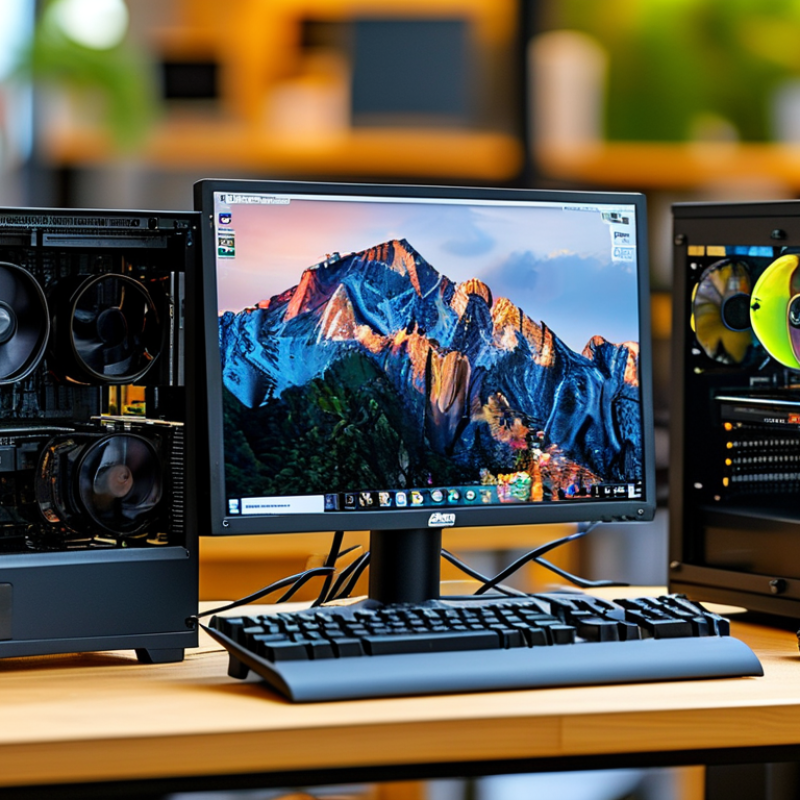
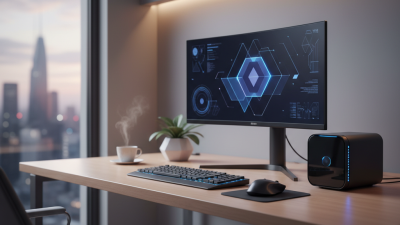
A Kleine desktop computer is best understood as a very small-form-factor PC. “Kleine” means small, but it is not a formal technical category. Usually, this computer uses compact components, limited internal space, and low power consumption. It can handle web work, office software, video calls, and light creative tasks. Some models also support demanding applications, but cooling becomes a serious limitation. The category remains fuzzy. That matters when comparing specifications.
Industry data supports the growing interest in compact computing. IDC’s Worldwide Quarterly Personal Computing Device Tracker recorded 262.7 million PC shipments worldwide in 2024. Meanwhile, Grand View Research identifies mini PCs as a growing market through 2030. These figures do not prove that every small computer is suitable. They show stronger demand for flexible, space-saving devices. In practical testing, measure the computer’s footprint, fan noise, port selection, and upgrade access. A smaller case may hide expensive compromises.
Tips: Match the processor to your real workload. Choose at least 16 GB of memory for modern multitasking. Check whether storage can be replaced. Measure desk clearance before buying. Do not trust performance claims alone. Sustained heat can reduce speed. A USB-C port may not support video output. Confirm that detail in the technical documentation. I would also reserve some budget for a reliable display and backup storage. The smallest option is rarely the simplest option.
A Kleine desktop computer is a compact desktop system designed to provide everyday computing performance while using less desk space and power than a conventional tower.
| Evaluation Dimension | Typical Entry Level | Balanced Choice | Higher-Performance Choice | What to Check Before Buying |
|---|---|---|---|---|
| Typical Size | About 0.5–2 L | About 2–5 L | About 5–10 L | Confirm desk footprint, mounting options, ventilation space, and external power-brick size. |
| Processor Class | 4–6 cores; suitable for web browsing and office applications | 6–8 cores; suitable for multitasking, coding, and light content creation | 8–16 cores; suitable for sustained rendering, virtualization, and advanced workloads | Check sustained performance, cooling design, processor generation, and power limits rather than core count alone. |
| Memory Capacity | 8 GB | 16 GB | 32–64 GB | For 2026, 16 GB is a practical minimum for comfortable general use; check whether memory is replaceable. |
| Storage | 128–256 GB solid-state drive | 512 GB solid-state drive | 1–2 TB solid-state drive | Choose an NVMe solid-state drive when available and verify upgrade access, spare slots, and thermal protection. |
| Graphics Capability | Integrated graphics for office work and video playback | Modern integrated graphics or entry-level discrete graphics | Discrete graphics with approximately 6–12 GB dedicated video memory | Match graphics performance to gaming resolution, creative software, display count, and video-encoding needs. |
| Display Support | One or two displays up to 4K | Two or three displays, commonly including 4K | Three or more displays, depending on graphics hardware | Check the exact HDMI, DisplayPort, USB-C video, refresh-rate, and maximum-resolution specifications. |
| Connectivity | Gigabit Ethernet, Wi-Fi, Bluetooth, and 4–6 USB ports | Faster wireless networking, 2.5 Gb Ethernet, and 6–8 USB ports | High-speed networking, multiple high-bandwidth USB ports, and optional expansion | Prioritize the ports you use daily; confirm USB data speed because USB-C connector shape does not guarantee high speed. |
| Power Consumption | Approximately 10–35 W under light use | Approximately 15–65 W under light to moderate use | Approximately 35–150 W or more under demanding workloads | Look for measured idle and load power, adapter efficiency, sleep behavior, and heat output. |
| Cooling and Noise | Usually quiet during light tasks | Low to moderate fan noise under sustained workloads | More audible cooling may occur during rendering or gaming | Check independent noise measurements, fan profiles, airflow openings, and thermal-throttling results. |
| Upgradeability | Often limited; storage may be the only replaceable component | Commonly supports storage and sometimes memory upgrades | May support additional memory, storage, and selected expansion hardware | Review the service manual, maximum memory capacity, storage interface, warranty terms, and tool requirements. |
| Best Use Case | Email, documents, streaming, point-of-sale tasks, and thin-client use | Home office, study, programming, photo editing, and everyday multitasking | Software development, video editing, 3D work, virtualization, and compact gaming | Choose based on your primary workload and leave capacity for expected software and storage growth. |