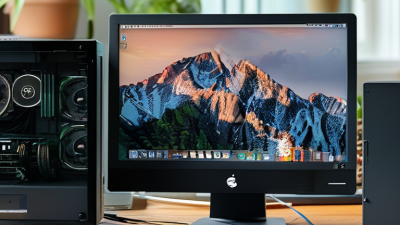
How to Choose the Best Compact PC for Your Business Needs?
In today’s fast-paced business environment, a Compact PC can be a game-changer. These devices offer powerful performance while saving valuable space. However, choosing the right one involves understanding your specific needs.
Many businesses overlook the importance of size versus performance. Compact PCs can fit into small offices, but they must also handle demanding tasks. Balancing these factors is crucial. Are you focusing on graphics-intensive processes or simple data entry? Each requires different specs.
Reliability is another key issue. Not all Compact PCs offer the same quality. Researching brands and user reviews can help. Businesses need a dependable machine to avoid downtime. Investing time in this decision pays off in the long run. A well-chosen Compact PC enhances productivity and streamlines operations.
Understanding Your Business Requirements for a Compact PC
Understanding your business requirements for a compact PC involves assessing your specific needs. Compact PCs are ideal for limited spaces but must meet performance expectations. Start by identifying the nature of your work. Do you deal with large data sets, or is it mostly document processing? Knowing this helps in selecting the right hardware.
Tips: Consider the processing power. A multi-core processor can handle tasks efficiently. Ensure enough RAM for smooth multitasking. Display quality is crucial for design work. If your team engages in graphic-intensive tasks, prioritize a high-resolution display.
Budget plays a significant role too. Compact PCs can vary greatly in price. Weigh your options carefully. Sometimes, it may be tempting to go for the cheapest option. However, this can lead to issues later. Assess long-term costs against initial savings. It’s important to aim for a balance between cost and capability. Each business is unique, and what works for one may not work for another. Evaluate before deciding.
Key Specifications to Consider When Selecting a Compact PC
Choosing the right compact PC requires careful consideration of key specifications. First, assess the processor performance. A powerful CPU can significantly boost productivity. Recent industry reports suggest that over 60% of businesses experience improved efficiency with a high-performance processor. Dual-core and quad-core options are common in compact PCs.
Memory is another critical factor. Aim for at least 8GB of RAM for basic tasks. Increasing this to 16GB or more is recommended for demanding applications. Studies show that 70% of users report a smoother experience with higher RAM capacity. Storage type also matters. Solid-state drives (SSDs) are faster than traditional hard drives, enhancing load times.
Connectivity options cannot be ignored. Ensure ample USB ports and HDMI outputs. Many modern compact PCs support Bluetooth and Wi-Fi 6, enhancing flexibility. A survey indicated that 55% of users prefer devices with multiple connectivity options. Battery life is crucial for mobile use. A short battery life can hinder operations, particularly in fieldwork. Keeping these specifications in mind will help align the technology with business needs.
Evaluating Brand Reputation and Customer Support Services
When selecting a compact PC for business, evaluating brand reputation is crucial. A recent study by TechInsights indicated that 72% of businesses prioritize brand reliability. This highlights the importance of choosing a manufacturer known for consistency and quality.
Customer support services also play a vital role. According to a survey by PC Business Trends, 68% of companies reported difficulties due to inadequate technical support. Timely assistance can save businesses countless hours of downtime. Brands with comprehensive support resources, such as online tutorials or responsive chat services, tend to earn higher customer satisfaction ratings.
In a field abundant with options, understanding brand strength can be challenging. Some brands may excel in product features but falter in support. Evaluating user reviews and feedback can provide insights. Businesses must weigh the risks of choosing lesser-known brands, which might offer cost savings but often lack reliable support.
Comparing Prices and Performance Among Top Compact PC Models
When selecting a compact PC for business, price and performance are key factors. Recent industry reports indicate that high-performing models can vary significantly in cost. For instance, compact PCs with Intel i7 processors generally start at around $800. However, models with AMD Ryzen 7 might be priced lower, often providing similar performance at $600. This pricing disparity is critical for budget-conscious businesses.
Performance metrics are also essential. According to benchmarks from reputable sources, compact PCs with SSD storage tend to outperform those with traditional HDDs in speed tests. A compact PC equipped with an SSD can boost productivity by reducing load times by nearly 50%. Another aspect to consider is RAM; models with 16 GB of RAM are becoming standard. They offer better multitasking capabilities, crucial for busy environments. Choosing a model that offers upgrade options might also reflect future-proofing strategies.
Potential buyers should reflect on their specific needs. Not all businesses require the highest specs; their focus may be on software compatibility. Additionally, compact designs can lead to overheating issues if not properly ventilated. The overall investment should balance cost with both immediate and long-term operational needs. Exploring different configurations can yield different results, underscoring the importance of careful comparisons before purchasing.
How to Choose the Best Compact PC for Your Business Needs? - Comparing Prices and Performance Among Top Compact PC Models
| Model |
Processor |
RAM |
Storage |
Price (USD) |
Performance Rating |
| Compact PC A |
Intel i5 |
16GB |
512GB SSD |
699 |
4.5/5 |
| Compact PC B |
AMD Ryzen 5 |
8GB |
256GB SSD |
499 |
4.2/5 |
| Compact PC C |
Intel i7 |
32GB |
1TB SSD |
999 |
4.8/5 |
| Compact PC D |
Intel i3 |
4GB |
128GB SSD |
349 |
3.5/5 |
Long-term Value: Maintenance, Upgrades, and Future-Proofing
When selecting a compact PC for your business, considering long-term value is crucial. Maintenance plays a significant role in the lifespan of your device. Regular updates and care can keep performance optimal. Simple cleanliness, like dusting vents, can prevent overheating. This small step can extend your PC’s life.
Upgrading components is another aspect to consider. Many compact PCs allow for easy upgrades, including RAM or storage. This flexibility means you can adapt to growing business needs without purchasing a new system. However, it’s important to ensure your choice supports future upgrades. Not all compact models do, and some may lock you into specific components.
Future-proofing your PC is about anticipating changes in technology. As software evolves, so do hardware requirements. Opting for a machine that exceeds current needs can provide a buffer against obsolescence. This forward-thinking approach might involve a higher initial investment, but it can lead to significant long-term savings. Yet, be cautious. This strategy requires careful market research and an understanding of emerging trends. Investing blindly can lead to wasted resources.
Maintenance and Upgrade Costs of Compact PCs

 14 Inch Office Notebook
 Dual Screen Laptop
 Fingerprint Business Notebook
 Big Screen Laptop
 HD Gaming Laptop
 14.1 Inch Student laptops
 16.1 Inch Office Laptops
 Home Mini Host
 Industrial Micro PC
 Fanless Industrial Mini PC
 Commercial Mini PC
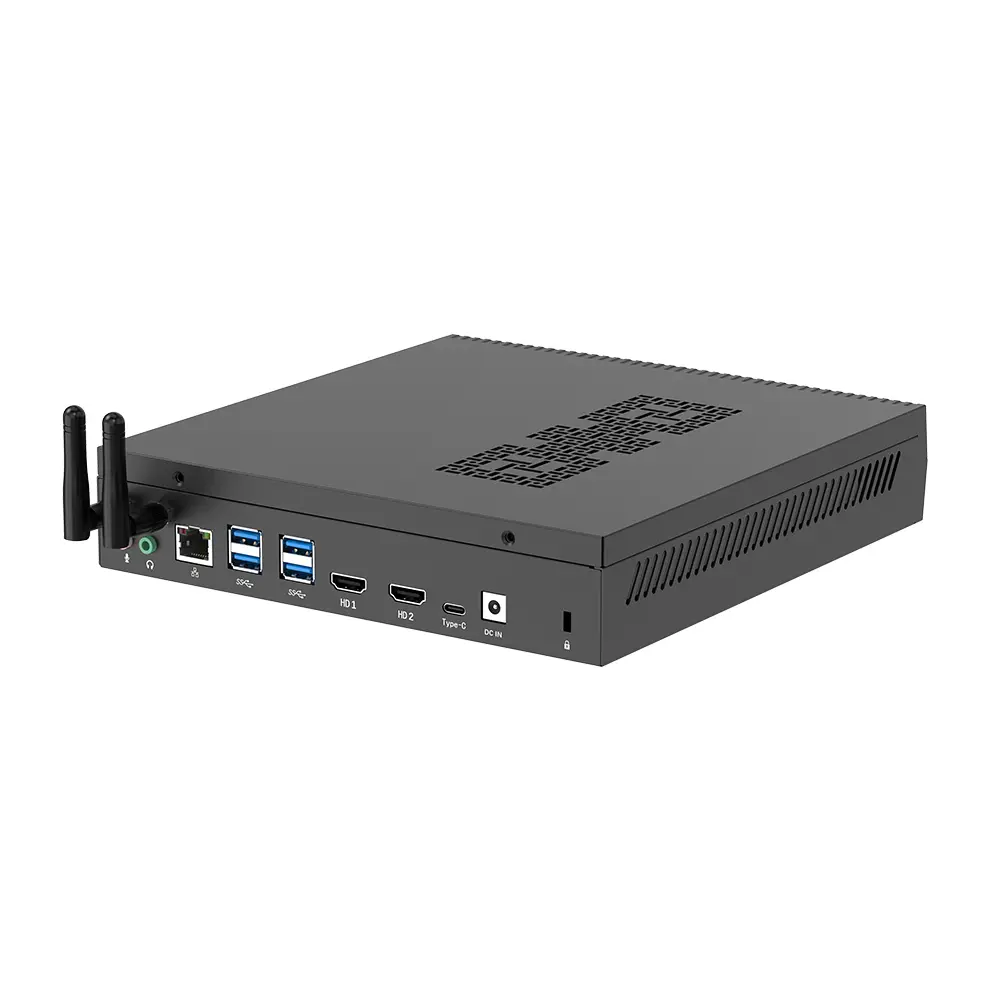 RTX3050TI Game Mini PC
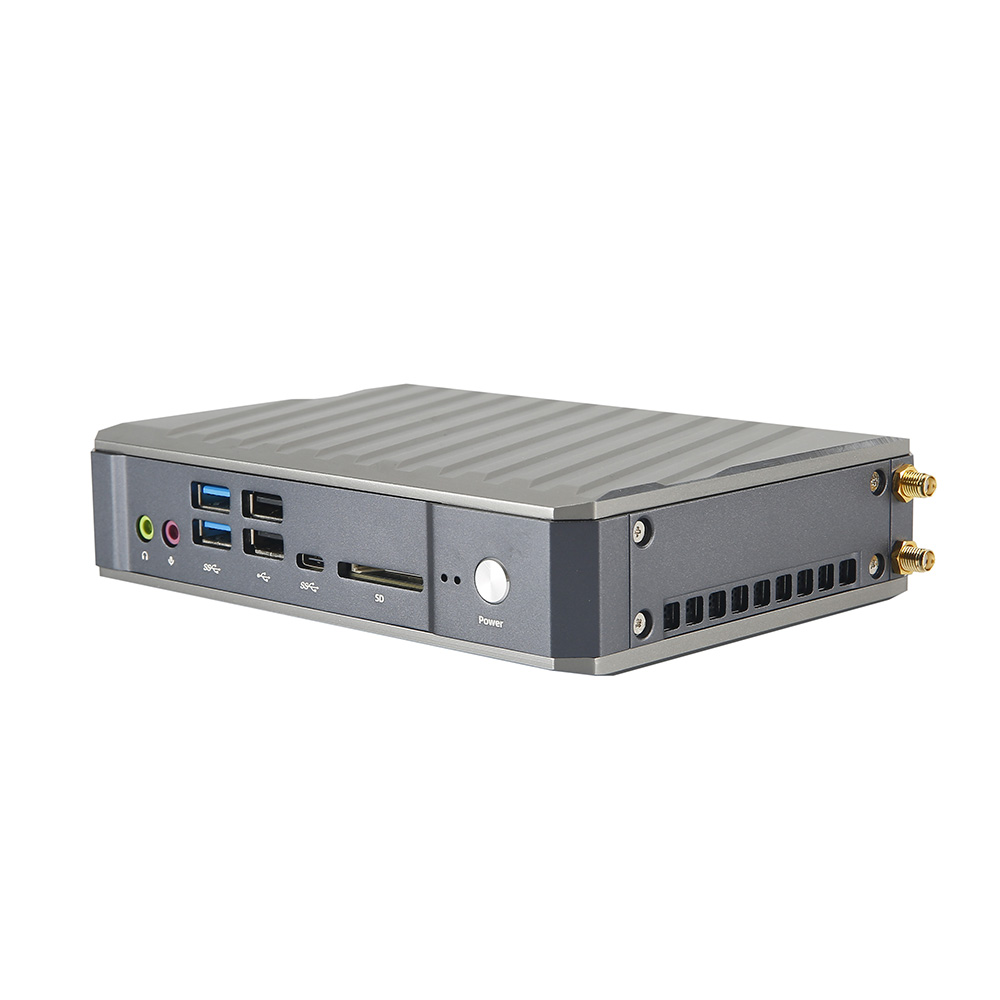 Micro Mini PC
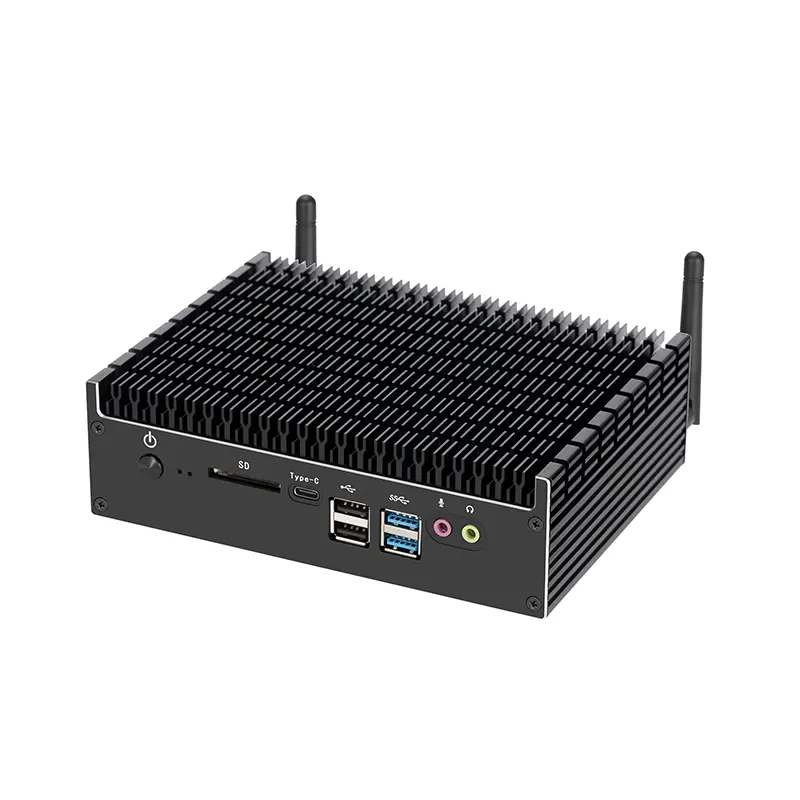 Fanless Mini PC
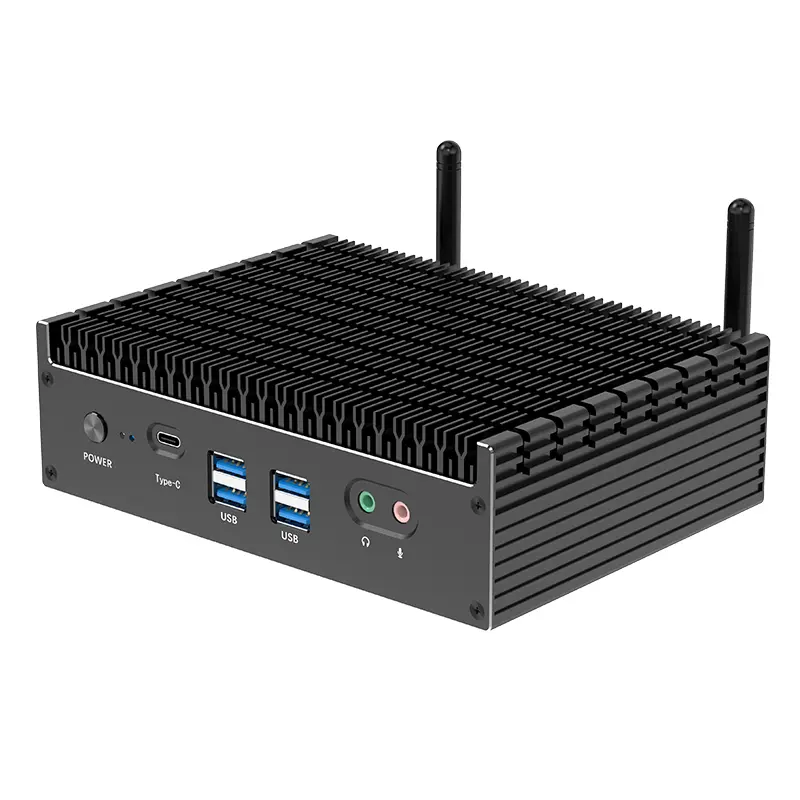 High-end Mini PC
 More
More Micro ATX Computer Motherboard