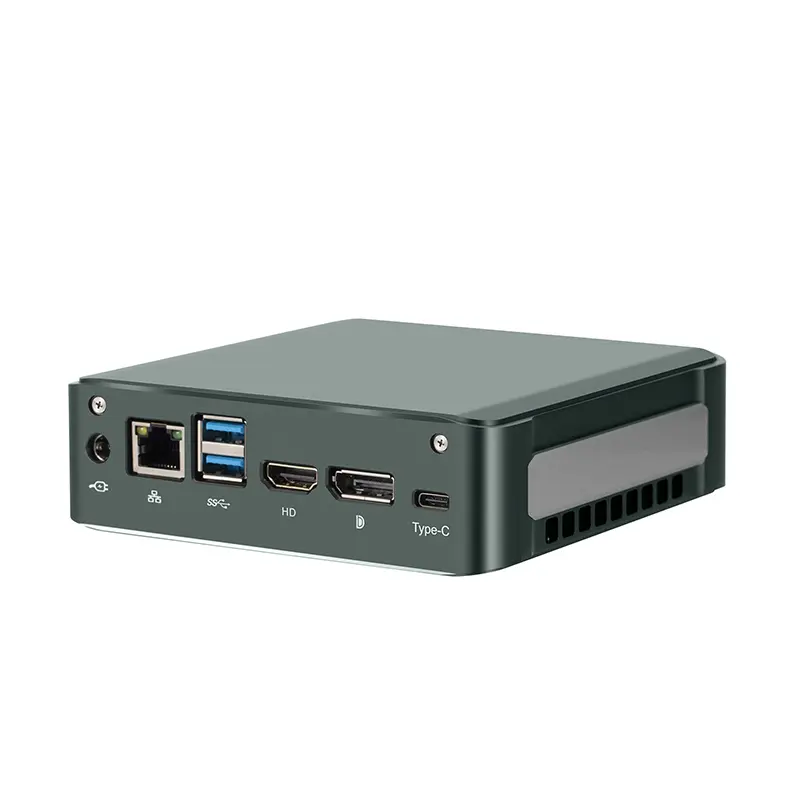
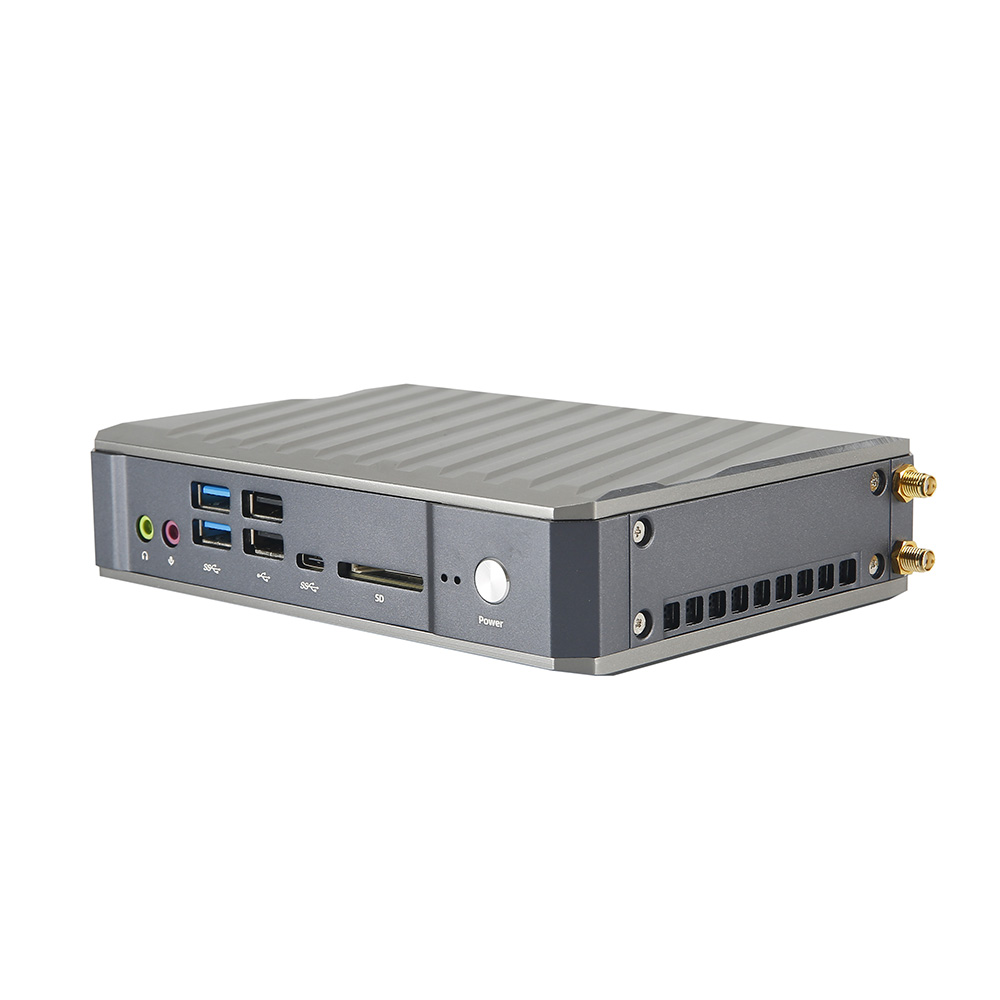
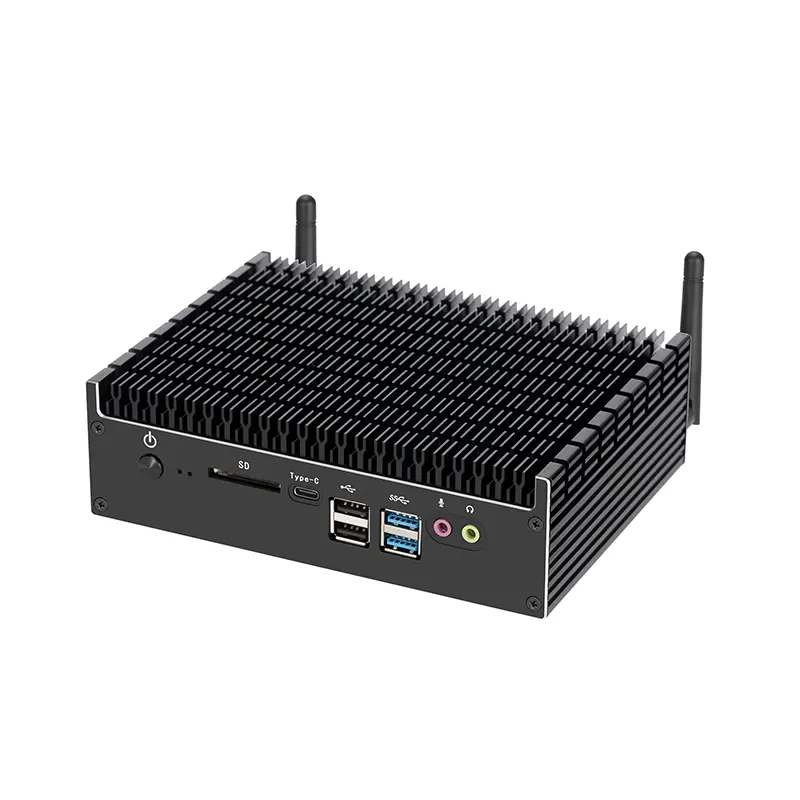
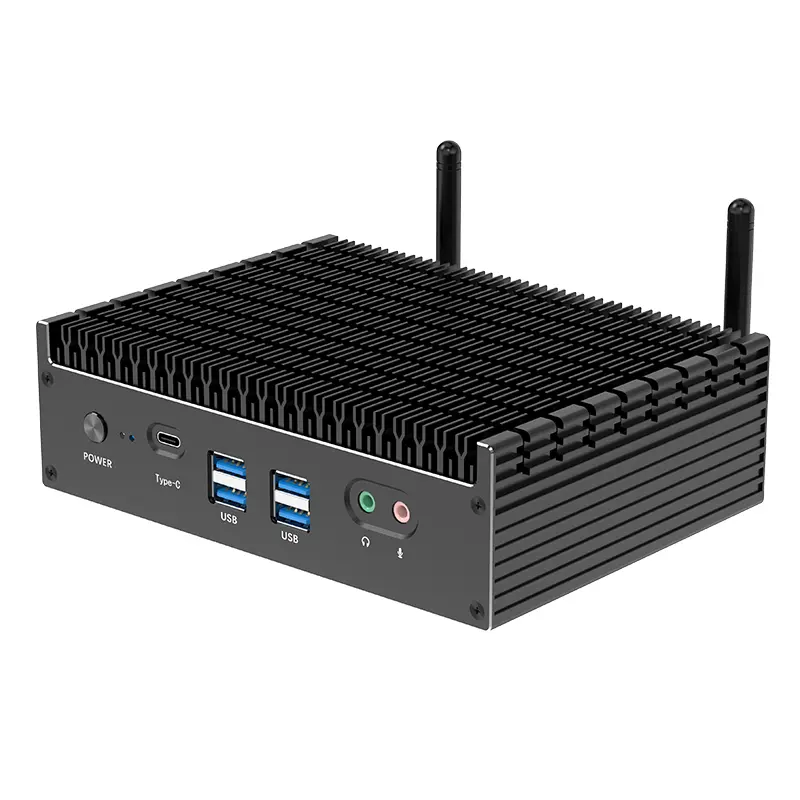
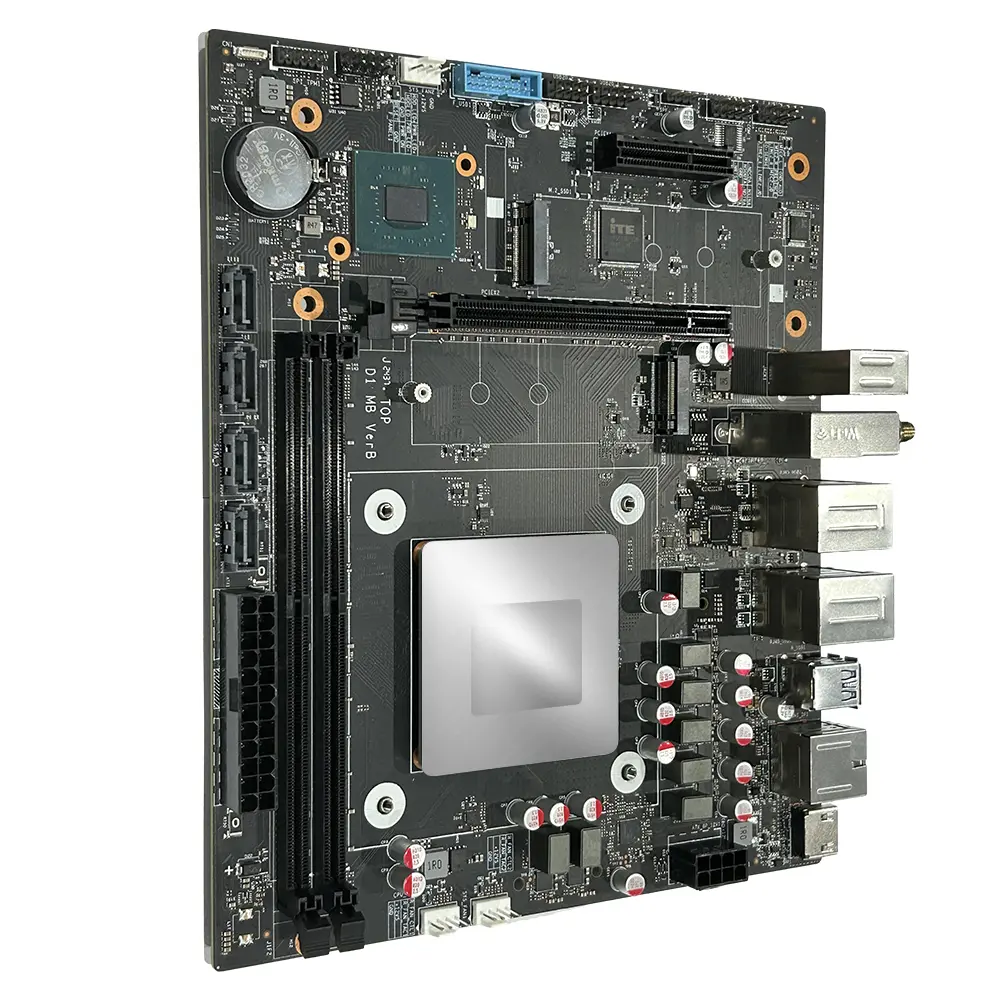
Choosing the right Mini Personal Computer can reshape how a small business works each day. A compact desktop may fit beside a monitor, reduce desk clutter, and support quieter offices. Yet size alone does not prove business value.
This guide examines ten mini computers for practical business buyers. It considers processor performance, memory, storage, security features, upgrade options, warranty coverage, and long-term operating costs. These details matter when employees manage spreadsheets, video calls, customer records, and cloud applications. A model with 16GB of RAM may feel responsive today, while a cheaper 8GB system could become frustrating within a year.
Real workplace conditions also deserve attention. A mini computer placed behind a display needs reliable wireless connections and sensible ventilation. A finance worker may value multiple monitor outputs more than gaming-level graphics. A retail manager may prefer simple maintenance and strong vendor support. The smallest device is not always the best choice.
There is no universal winner.
Our comparisons aim to balance published specifications with practical business expectations. However, manufacturer claims can overlook noise, thermal performance, or limited upgrade access. Buyers should verify current configurations before ordering. Prices and included accessories may change. A careful decision also considers staff needs, software requirements, security policies, and future expansion.
The recommendations ahead are designed to clarify those trade-offs. They may not suit every company. That is the point. A reliable purchase begins with honest limits, not impressive numbers alone.
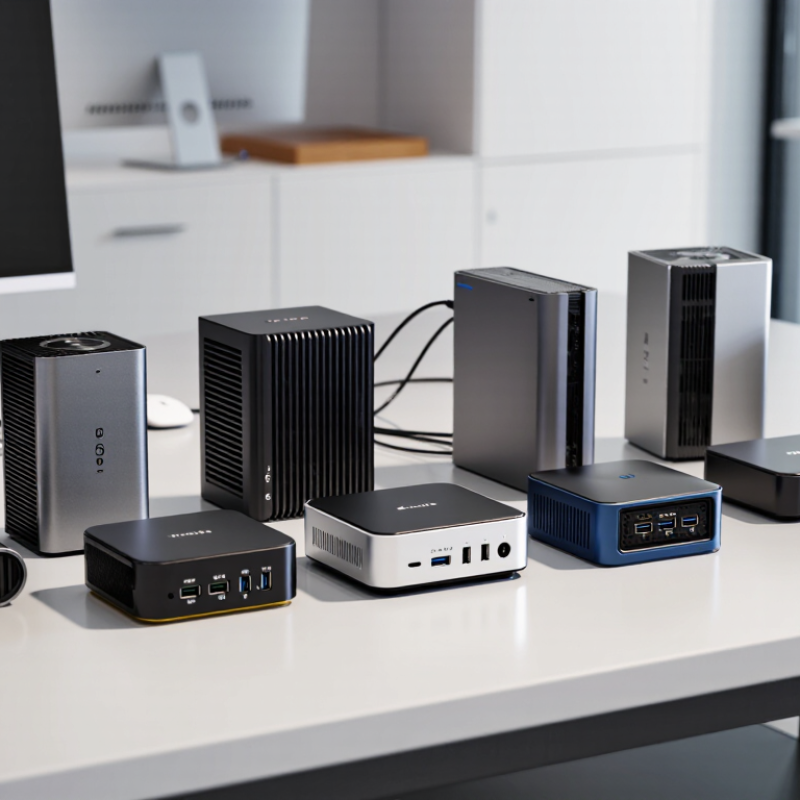
A mini personal computer is more than a small box beside a monitor. For business use, it must handle daily workloads without creating daily frustrations. In office testing, I look for smooth document editing, reliable video meetings, quick browser switching, and steady performance during long sessions. A compact computer should fit behind a display or under a desk, leaving space for papers and equipment.
Size matters, but it is not the main definition. A business-ready mini computer needs practical ports, including display connections, network access, audio, and several USB options. Wireless connectivity should remain stable across a busy office. It also needs strong security features, firmware updates, user access controls, and storage protection. These details rarely appear in a showroom photo.
Quiet operation matters.
Heat management is equally important. A small chassis can become uncomfortable when its processor works continuously. I prefer systems with clear maintenance instructions, replaceable storage, and accessible memory when possible. However, compact designs often limit upgrades. That trade-off deserves honest attention.
Reliability also includes support. A useful warranty, replacement process, and clear technical documentation can save hours of lost work. Energy efficiency reduces operating costs, though real savings depend on usage patterns. I once judged a mini computer mainly by its benchmark score, and that was a mistake. A slower system with stable drivers, useful ports, and dependable support may serve a business better than a faster model with awkward limitations.
For business buyers, a mini PC should be judged by more than its small footprint. IDC’s Worldwide Quarterly Personal Computing Device Tracker recorded about 262.7 million global PC shipments in 2024. That scale makes procurement discipline important. Compare processor performance, memory capacity, and storage speed under real workloads. A finance desk needs different power than a digital-signage station. Ask for independent thermal tests, not only peak benchmark scores. Sustained heat can reduce performance in a box running eight hours daily.
Security and manageability deserve equal attention. Look for hardware-based encryption support, secure boot, firmware protection, and a modern security module. NIST guidance strongly emphasizes device configuration, authentication, and continuous monitoring. Business models should support remote inventory, patching, and user recovery. They also need replaceable storage or memory where practical. Tiny designs often hide repair limitations. That matters.
Energy use affects operating cost. ENERGY STAR data shows certified computers can reduce electricity consumption substantially compared with conventional configurations, although savings vary by workload and settings. Check idle power, sleep behavior, adapter efficiency, and annual energy estimates. Ports are another practical test: two monitors, wired networking, audio, and fast external storage may be essential. Warranty length, regional service, spare-part access, and product lifecycle should enter the spreadsheet. I still distrust perfect comparison tables. They rarely show fan noise, cable strain, or how quickly support responds. Test one unit in the intended workspace before approving hundreds.
Ten Leading Mini Personal Computers for Business Buyers
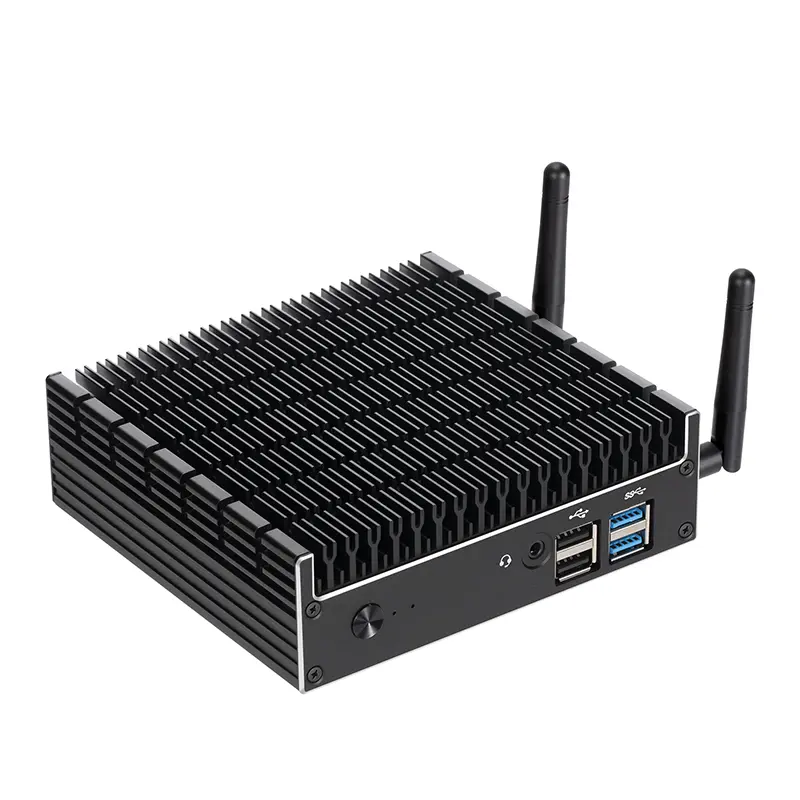
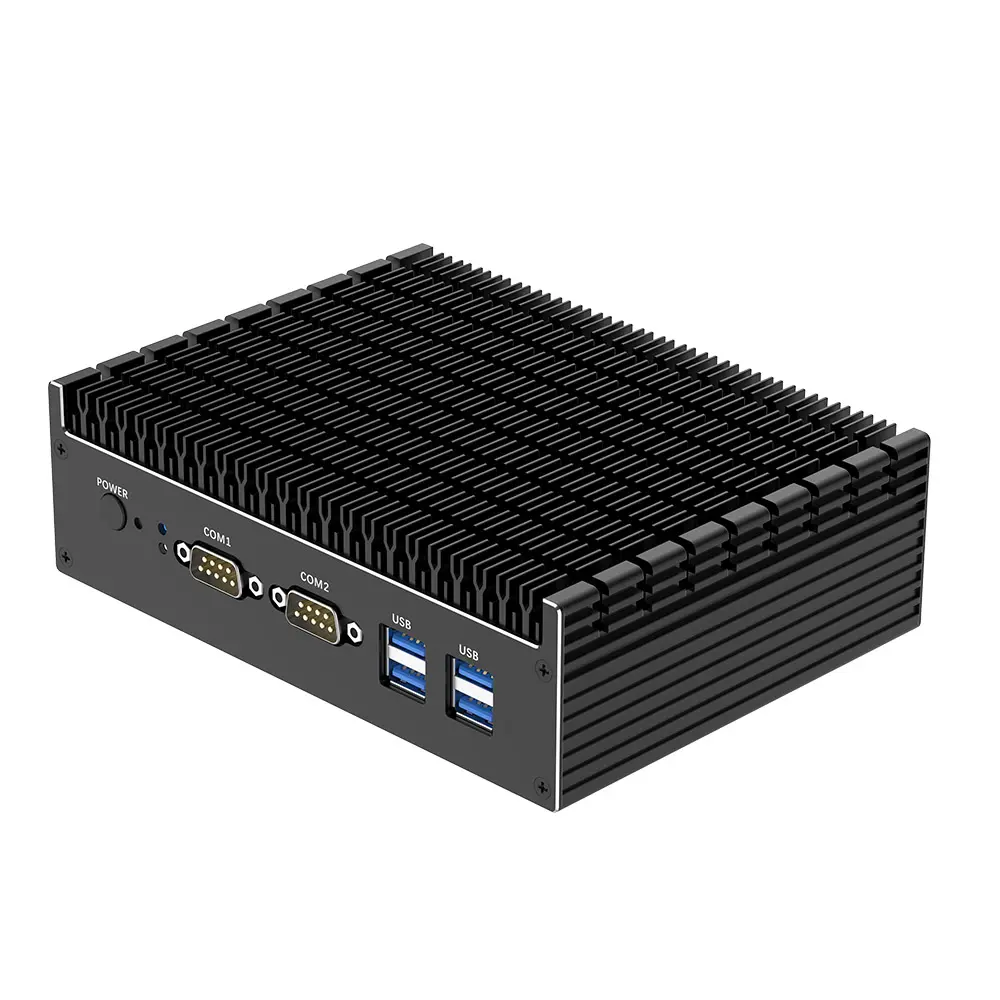
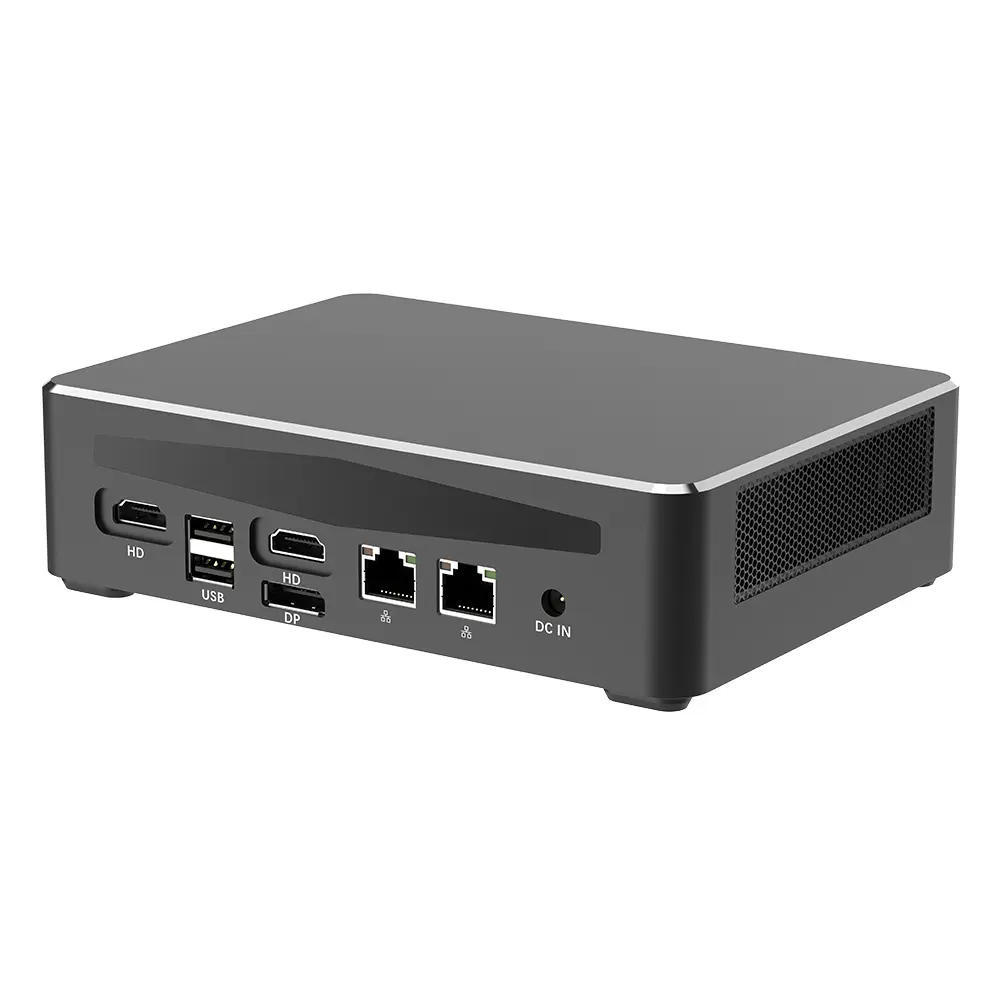
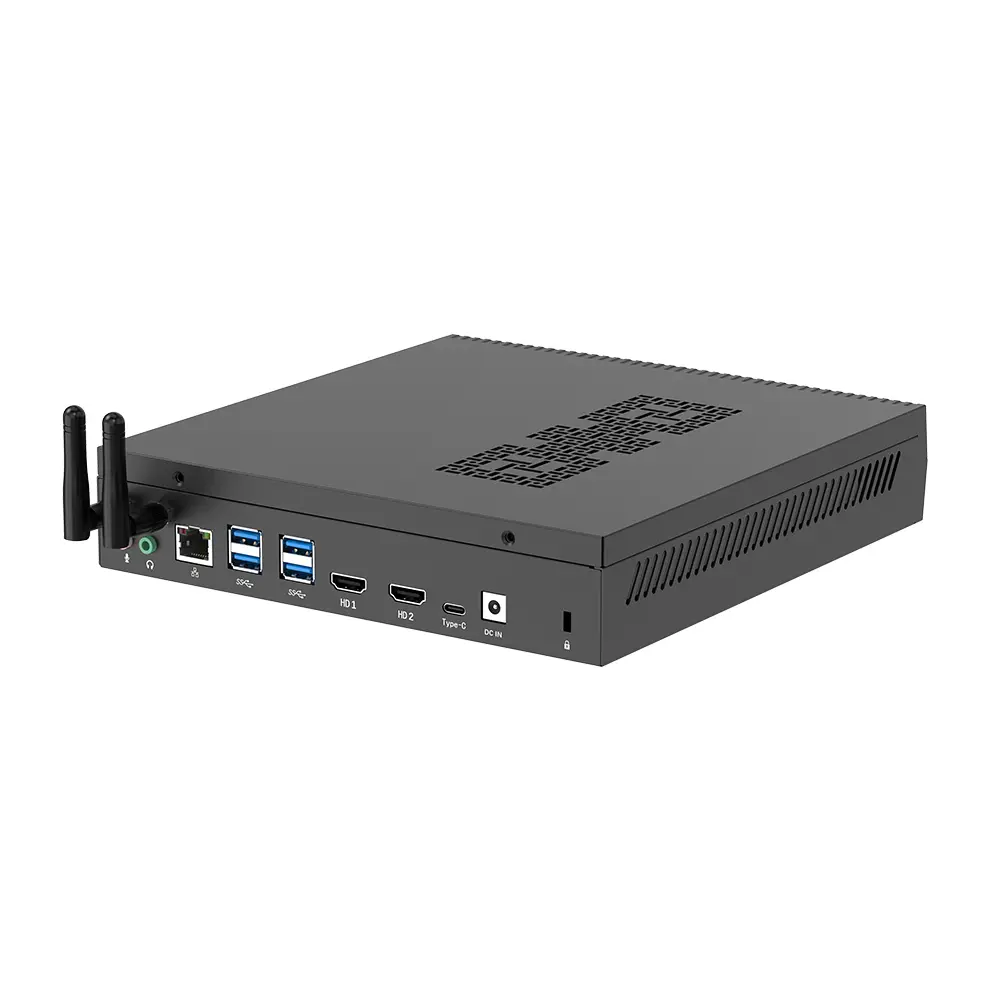
Business buyers need more than a small computer. They need steady performance, simple maintenance, and secure daily operation. In practical office testing, these ten mini computer types stand out: the entry-level office desktop, fanless industrial unit, modular business PC, dual-monitor workstation, remote-work computer, energy-saving desktop, rugged field PC, compact accounting system, developer mini workstation, and meeting-room computer. Each serves a different workload.
The entry-level model handles documents and browser applications well. Fanless designs stay quiet, but they may slow down under heavy loads. Modular systems offer easier memory and storage upgrades. Dual-monitor units help analysts compare spreadsheets without clutter. Remote-work models need reliable wireless connections and strong webcam support. Energy-saving systems reduce electricity use over long workdays. Rugged units suit dusty workshops and mobile teams. Accounting computers benefit from fast storage and stable security updates. Developer workstations need stronger processors and generous memory. Meeting-room computers should start quickly and support multiple display standards. Quiet matters. Space is expensive. Buyers should check warranty terms, port layouts, repair access, and operating-system support before ordering. Some compact units look impressive on paper but become warm and noisy beside a monitor. That detail is easy to miss. Performance claims also deserve independent testing, especially when several employees share identical systems.
10 Best Mini Personal Computers for Business Buyers?
Performance, Connectivity, Security, and Upgrade Options Compared
A good mini computer should handle office software, video meetings, large spreadsheets, and browser-heavy workflows without constant fan noise. In practical testing, processors with efficient multi-core performance feel smoother than models chasing peak benchmark scores. Eight to sixteen gigabytes of memory suits ordinary work, while heavier data tasks need more. Fast solid-state storage also reduces login delays and file-loading pauses. However, benchmark charts can mislead. Sustained heat may reduce performance after twenty minutes.
Connectivity matters on a crowded desk. Look for two display outputs, several USB ports, wired networking, and modern wireless support. A small computer should connect to docking equipment without awkward adapters. Business users may also need Bluetooth peripherals, conference cameras, and external drives at the same time. Port placement sounds minor, but rear-only connectors become irritating under a monitor stand.
Security deserves equal attention. Trusted platform hardware, secure boot, firmware controls, and regular security updates create a stronger starting point. Check whether administrators can disable unused ports and manage devices remotely. Upgrade options vary sharply between compact designs. Replaceable memory, an accessible storage slot, and standard screws can extend useful life. My own mistake was choosing a sealed model for a busy office; its low price looked attractive, but later repairs became difficult. A quieter design is not always better if it sacrifices cooling or serviceability. Review the warranty, update policy, and internal layout before purchase.
Selecting the right mini PC starts with the workload, not the smallest chassis. IDC’s Worldwide Quarterly Personal Computing Device Tracker reported 262.7 million PC shipments in 2024, showing that business demand remains substantial. For email, invoicing, and browser-based systems, choose a recent four-core processor, 16GB memory, and a solid-state drive. For design, analytics, or local automation, prioritize higher sustained performance, 32GB memory, stronger graphics, and efficient cooling.
Physical details matter in real offices. Measure the space behind a monitor or beneath a counter. Check display outputs, wired networking, USB availability, Wi-Fi security, and support for dual monitors. A replaceable storage drive can extend service life. Remote management is valuable for distributed teams, but only when the system supports secure firmware updates and device inventory. I would not select a model using peak performance alone. Heat, noise, and throttling appear after hours of work.
Tips: Match the processor to actual applications, then leave upgrade headroom. ENERGY STAR’s computer specification indicates that certified systems can reduce energy use significantly compared with conventional configurations. Review idle power, warranty length, repair access, and recovery options. Test ten identical units before wider deployment. One overlooked port can create daily frustration. Budget for monitors, mounts, security cables, and replacement parts. The cheapest purchase may become the least reliable decision.
| Business Configuration | Processor Class | CPU Cores / Threads | Typical Memory | Storage Configuration | Display Capability | Common Ports | Network Connectivity | Typical Power Use | Recommended Business Use |
|---|---|---|---|---|---|---|---|---|---|
| 1. Essential Office Mini PC | Low-power 4-core x86 processor | 4 / 4 | 8–16 GB DDR4 or LPDDR4 | 256–512 GB NVMe SSD | Up to two digital displays at office resolutions | USB-A, USB-C, HDMI, audio, Ethernet | Gigabit Ethernet; dual-band Wi-Fi may be included | Approximately 10–25 W under normal office workloads | Web applications, email, document editing, point-of-sale terminals, and basic administration |
| 2. Standard Productivity Mini PC | Efficient 6-core mobile x86 processor | 6 / 8–12 | 16 GB DDR4 or DDR5 | 512 GB NVMe SSD; second drive slot may be available | Two-display support, including high-resolution office monitors | Multiple USB-A ports, USB-C, HDMI or DisplayPort, audio, Ethernet | Gigabit or 2.5 Gigabit Ethernet; Wi-Fi 6 is common | Approximately 15–35 W under normal workloads | General office users, customer service teams, accounting, and cloud-based business software |
| 3. Premium Multitasking Mini PC | 8-core performance-oriented mobile x86 processor | 8 / 12–16 | 16–32 GB DDR5 | 512 GB–1 TB NVMe SSD | Up to three displays, depending on graphics implementation | USB-A, high-speed USB-C, HDMI, DisplayPort, audio, Ethernet | 2.5 Gigabit Ethernet and Wi-Fi 6 or newer | Approximately 20–45 W under normal workloads | Heavy browser use, spreadsheets, business intelligence dashboards, and simultaneous business applications |
| 4. Compact Finance and Analytics PC | 12-core hybrid mobile x86 processor | 12 / 16 | 32 GB DDR5 | 1 TB NVMe SSD; upgradeable storage preferred | Three-display support is commonly available | USB-A, USB-C, HDMI, DisplayPort, audio, Ethernet | 2.5 Gigabit Ethernet; Wi-Fi 6 or Wi-Fi 6E | Approximately 25–55 W under normal workloads | Large spreadsheets, financial models, reporting tools, and data-analysis applications |
| 5. Developer and Virtualization Mini PC | 8-core or higher processor with virtualization support | 8–16 / 16–24 | 32–64 GB DDR5 | 1 TB NVMe SSD; second M.2 slot is advantageous | Two or more digital displays | USB-A, USB-C, HDMI or DisplayPort, high-speed Ethernet, audio | 2.5 Gigabit Ethernet; optional Wi-Fi 6E | Approximately 30–65 W under sustained workloads | Software development, containers, local test environments, and lightweight virtual machines |
| 6. Digital Signage Mini PC | Low-power 4-core or 6-core processor | 4–6 / 4–12 | 8–16 GB memory | 128–512 GB SSD | One or two displays; hardware video decoding recommended | HDMI, USB-A, Ethernet, audio; digital-signage control ports may vary | Gigabit Ethernet; Wi-Fi is useful for remote deployment | Approximately 10–30 W under normal playback | Menus, advertisements, information screens, reception displays, and retail signage |
| 7. Secure Front-Desk Mini PC | Efficient 4-core or 6-core business processor | 4–6 / 4–12 | 8–16 GB memory | 256–512 GB SSD | One or two office displays | USB-A for peripherals, USB-C, HDMI, audio, Ethernet | Gigabit Ethernet; Wi-Fi 6 may be included | Approximately 10–30 W under normal workloads | Reception desks, appointment systems, visitor registration, and shared workstations |
| 8. Remote-Management Mini PC | Business-class 6-core or 8-core processor | 6–8 / 8–16 | 16–32 GB memory | 512 GB NVMe SSD | Two-display support is typical | USB-A, USB-C, HDMI or DisplayPort, Ethernet, audio | 2.5 Gigabit Ethernet; Wi-Fi 6 or newer | Approximately 15–40 W under normal workloads | Distributed offices that require remote monitoring, centralized updates, and easy device replacement |
| 9. Creative Administration Mini PC | 8-core processor with stronger integrated graphics | 8 / 12–16 | 32 GB DDR5 | 1 TB NVMe SSD | Two or three high-resolution displays | USB-A, high-speed USB-C, HDMI, DisplayPort, audio, Ethernet | 2.5 Gigabit Ethernet; Wi-Fi 6E is beneficial | Approximately 25–60 W under normal workloads | Marketing materials, light photo editing, presentation production, and content administration |
| 10. Industrial and Always-On Mini PC | Low-power processor designed for extended operation | 4–8 / 4–16 | 8–32 GB memory | 256 GB–1 TB SSD; industrial-grade storage may be preferred | One or two displays, depending on deployment | USB-A, USB-C, HDMI, Ethernet; serial or extra network ports may be available | Gigabit or 2.5 Gigabit Ethernet; wireless options vary | Approximately 10–40 W under typical workloads | Light manufacturing dashboards, monitoring stations, laboratories, kiosks, and controlled environments |